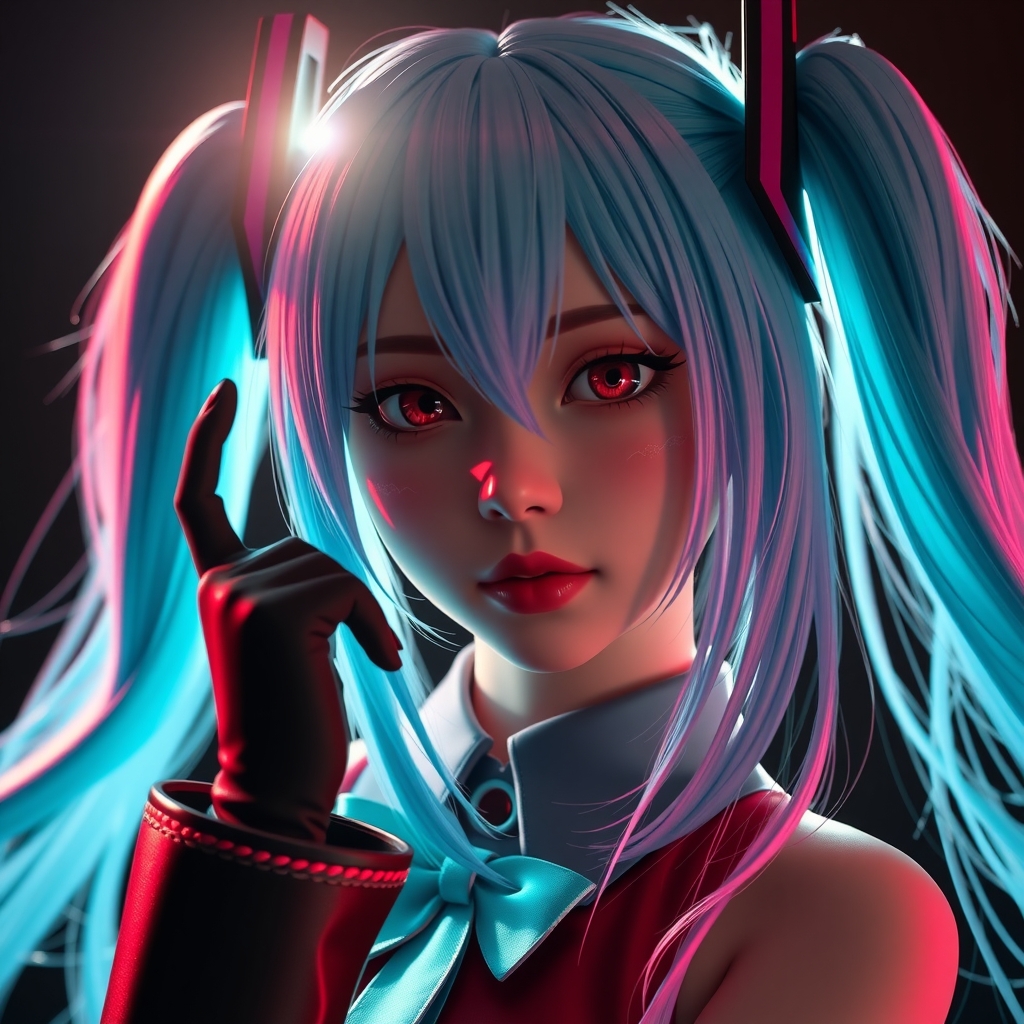
Introduction to MMD
MikuMikuDance, commonly referred to as MMD, is a free 3D animation software that has gained popularity among cosplayers, animators, and fans of 3D modeling. Developed by MikuMikuDance, the software allows users to create 3D animations, models, and scenes with ease. In this guide, we'll walk you through the basics of MMD and provide you with a solid foundation to start creating your own 3D cosplay animations.
Getting Started with MMD
Before diving into MMD, make sure you have a computer that meets the software's system requirements. You'll need a relatively powerful computer with a decent graphics card, as MMD can be demanding. Once you've downloaded and installed MMD, familiarize yourself with the interface, which consists of a main window, a menu bar, and various toolbars.
The first step in creating an animation is to create or import a 3D model. MMD comes with a variety of built-in models, including the iconic Mikumikudance character. You can also import models created by other users or purchase them from online marketplaces. When importing models, ensure they're in a compatible format, such as PMD or PSM.
Understanding the MMD Interface
The MMD interface can seem overwhelming at first, but it's essential to understand the different components:
- The main window displays your 3D scene, where you can view and interact with your models.
- The menu bar provides access to various menus, such as File, Edit, and Help.
- The toolbars offer quick access to frequently used tools and functions, like model manipulation and animation controls.
Creating and Customizing 3D Models
Creating 3D models from scratch can be challenging, but MMD offers various tools to help you customize and modify existing models. You can:
- Import and modify existing models to fit your cosplay character.
- Use the model editing tools to adjust mesh, texture, and material settings.
- Add accessories, such as clothing, hair, or props, to enhance your model's appearance.
When customizing models, keep in mind that MMD uses a rigging system to control the movement of your model's bones. Understanding how to work with rigs will help you create more realistic animations.
Basic Animation Techniques
With your model ready, it's time to create an animation. MMD offers various animation tools, including:
- The pose mode allows you to set keyframes and create static poses.
- The animation mode enables you to record and playback animations.
- The motion files feature allows you to import and export animation data.
To create a basic animation, follow these steps:
- Set a start frame and end frame to define your animation's duration.
- Create keyframes to set your model's pose at specific points in time.
- Use the animation curve to adjust the movement and timing of your animation.
Tips and Tricks for Creating Realistic Animations
To take your animations to the next level, keep the following tips in mind:
- Study real-life references to understand how characters move and interact.
- Experiment with different animation techniques, such as physics and morphing.
- Pay attention to model proportions and weight distribution to create more realistic movements.
Conclusion and Next Steps
Mastering MMD takes time and practice, but with this guide, you've taken the first step towards creating stunning 3D cosplay animations. As you continue to explore MMD, don't be afraid to experiment and try new things. Join online communities, share your work, and learn from others to improve your skills. With patience and dedication, you'll be creating breathtaking 3D animations that bring your cosplay characters to life.