Introduction to Vtuber Cosplay
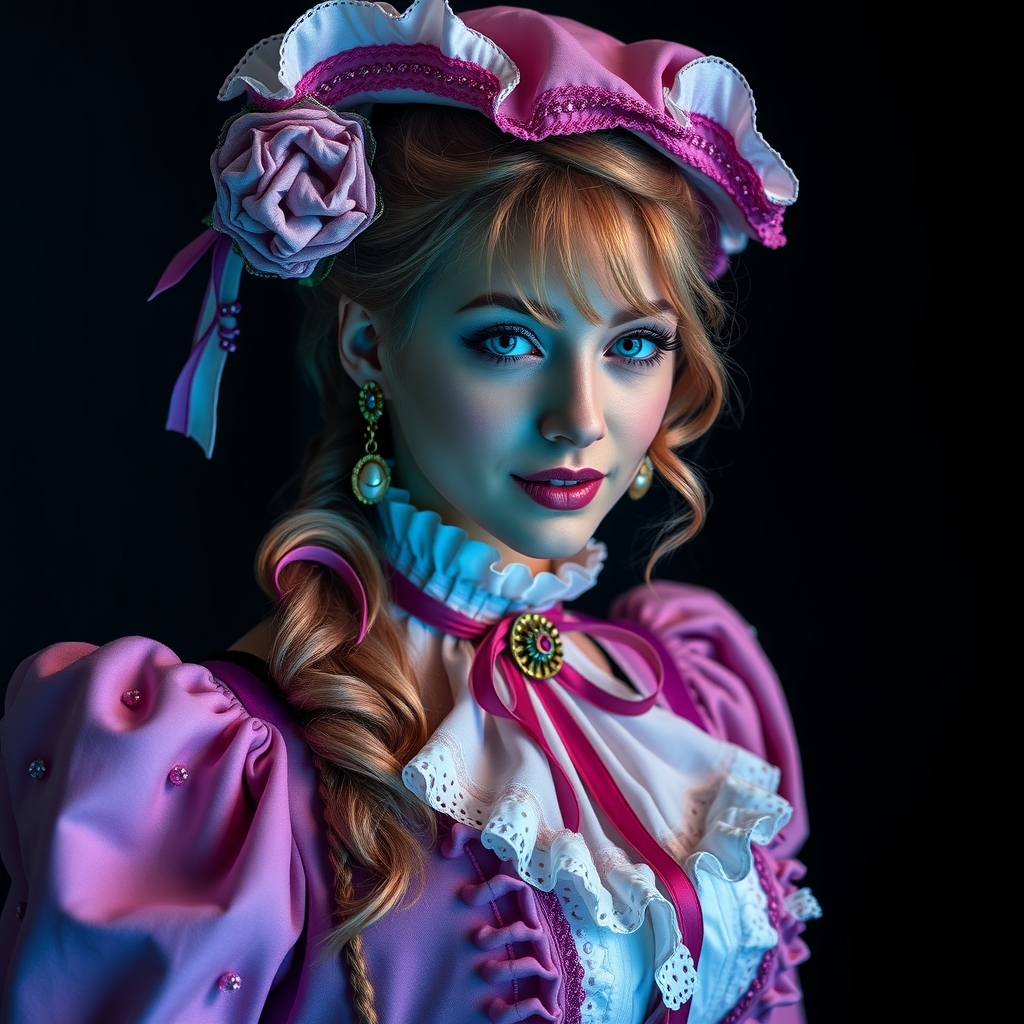
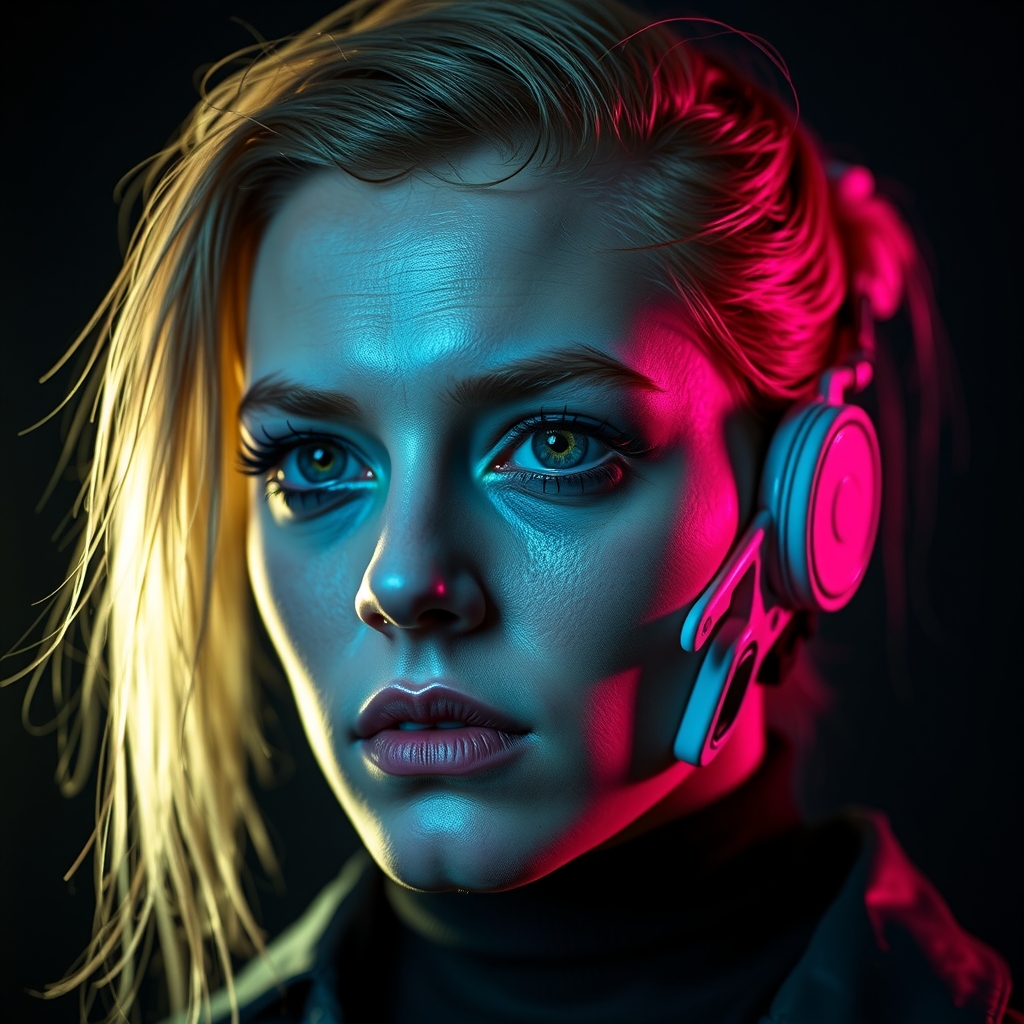
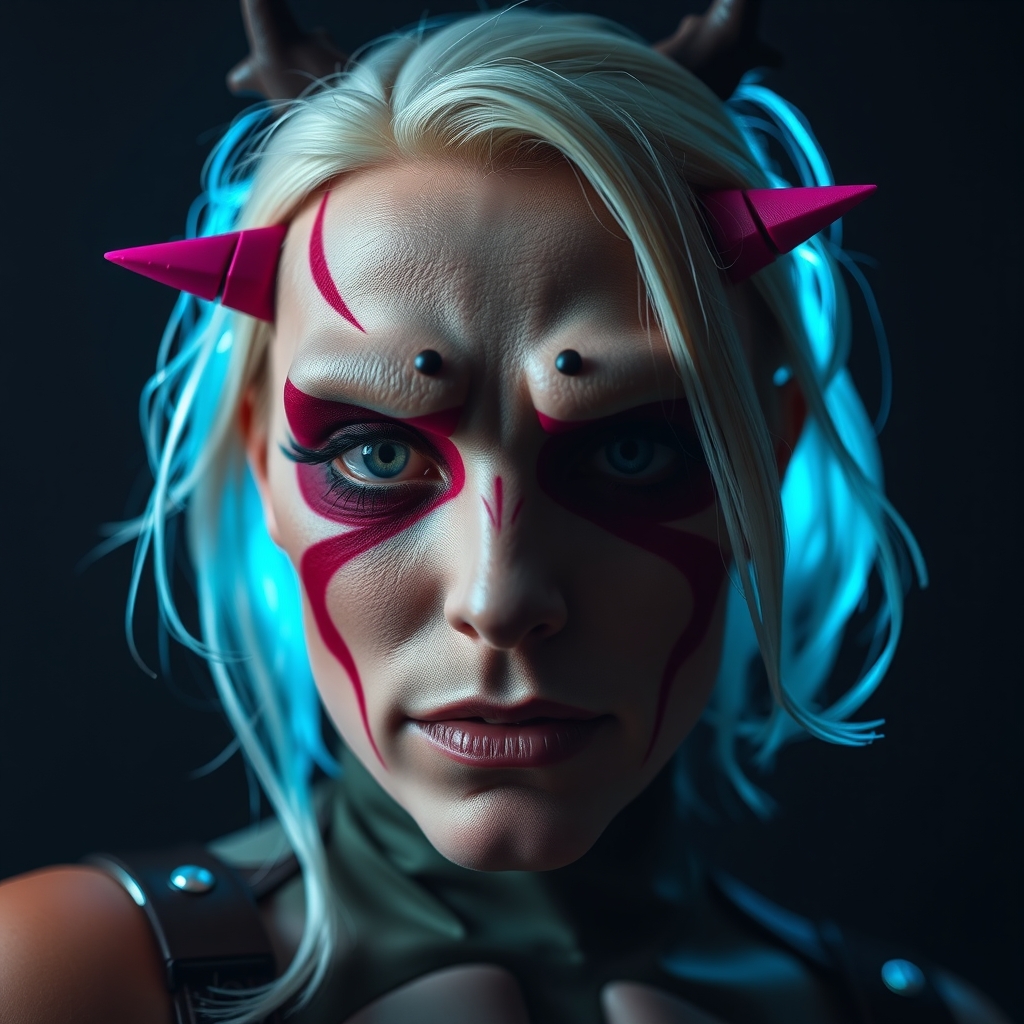
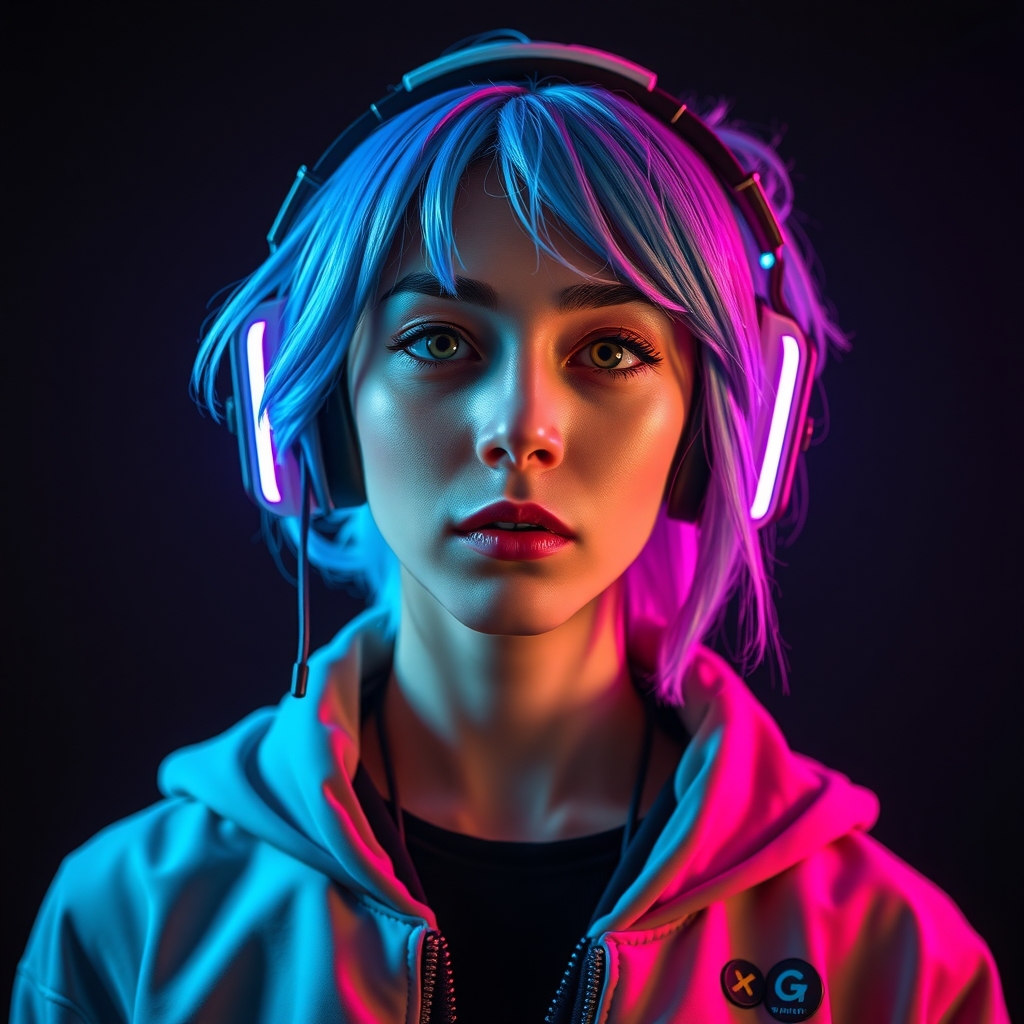
Vtuber cosplay has taken the world by storm, allowing fans to embody their favorite virtual streamers and bring them to life in the physical realm. Creating a realistic 3D avatar is a crucial aspect of vtuber cosplay, requiring a combination of artistic skill, technical expertise, and attention to detail. In this guide, we'll walk you through the process of crafting a stunning vtuber cosplay avatar using Blender and resin casting.
Getting Started with Blender
Blender is a powerful, free 3D creation software that's perfect for creating vtuber avatars. If you're new to Blender, start by familiarizing yourself with the interface and basic tools. Watch tutorials and online courses to learn the fundamentals of 3D modeling, texturing, and rendering. For vtuber cosplay, you'll want to focus on creating a 3D model that can be easily posed and animated.
Modeling Your Vtuber Avatar
To create a realistic vtuber avatar, start by gathering reference images of your chosen character. Study their facial structure, body proportions, and clothing details. Use Blender's modeling tools to create a 3D model that accurately represents your character. Pay attention to:
- Facial proportions: Ensure your model's facial features are in proportion to each other and the rest of the head.
- Body shape: Capture the character's body shape, including muscle tone and posture.
- Clothing details: Recreate the character's clothing, including textures, folds, and accessories.
Use Blender's sculpting tools to add fine details, such as eyelashes, eyebrows, and lip texture.
Resin Casting for Realistic Results
Resin casting is a popular technique for creating realistic, durable cosplay props and characters. To achieve a lifelike finish, you'll need to cast your 3D printed or resin model in resin. Here's a basic overview of the resin casting process:
- Prepare your model: Ensure your 3D model is clean and dry.
- Apply a release agent: Use a release agent to prevent the resin from bonding to the mold.
- Mix and pour the resin: Follow the manufacturer's instructions to mix and pour the resin into the mold.
- Cure and demold: Allow the resin to cure, then carefully remove it from the mold.
Tips for achieving a realistic finish:
- Use a high-quality resin that's suitable for casting.
- Apply multiple coats of resin to achieve a smooth, even finish.
- Use a UV stabilizer to prevent the resin from yellowing over time.
Painting and Finishing
Once your resin cast is complete, it's time to add color and texture. Use acrylic paints or specialized resin paints to bring your vtuber avatar to life. Study your reference images to accurately capture the character's color palette and shading.
Tips for painting and finishing:
- Use thin coats of paint to avoid pooling or drips.
- Apply multiple layers of clear coat to protect the paint and achieve a glossy finish.
- Add fine details, such as eyelashes or lip gloss, using a small brush.
Conclusion and Tips for Success
Crafting a realistic vtuber cosplay avatar requires patience, dedication, and practice. By mastering Blender and resin casting, you'll be able to create a stunning 3D avatar that brings your favorite virtual streamer to life. Remember to:
- Study your reference images carefully to ensure accuracy.
- Experiment with different techniques and materials to achieve the desired effect.
- Join online communities and forums to connect with other cosplayers and learn from their experiences.
With these skills and techniques, you'll be well on your way to creating a show-stopping vtuber cosplay avatar that will impress fans and fellow cosplayers alike.