Introduction to Netrunner Aesthetics
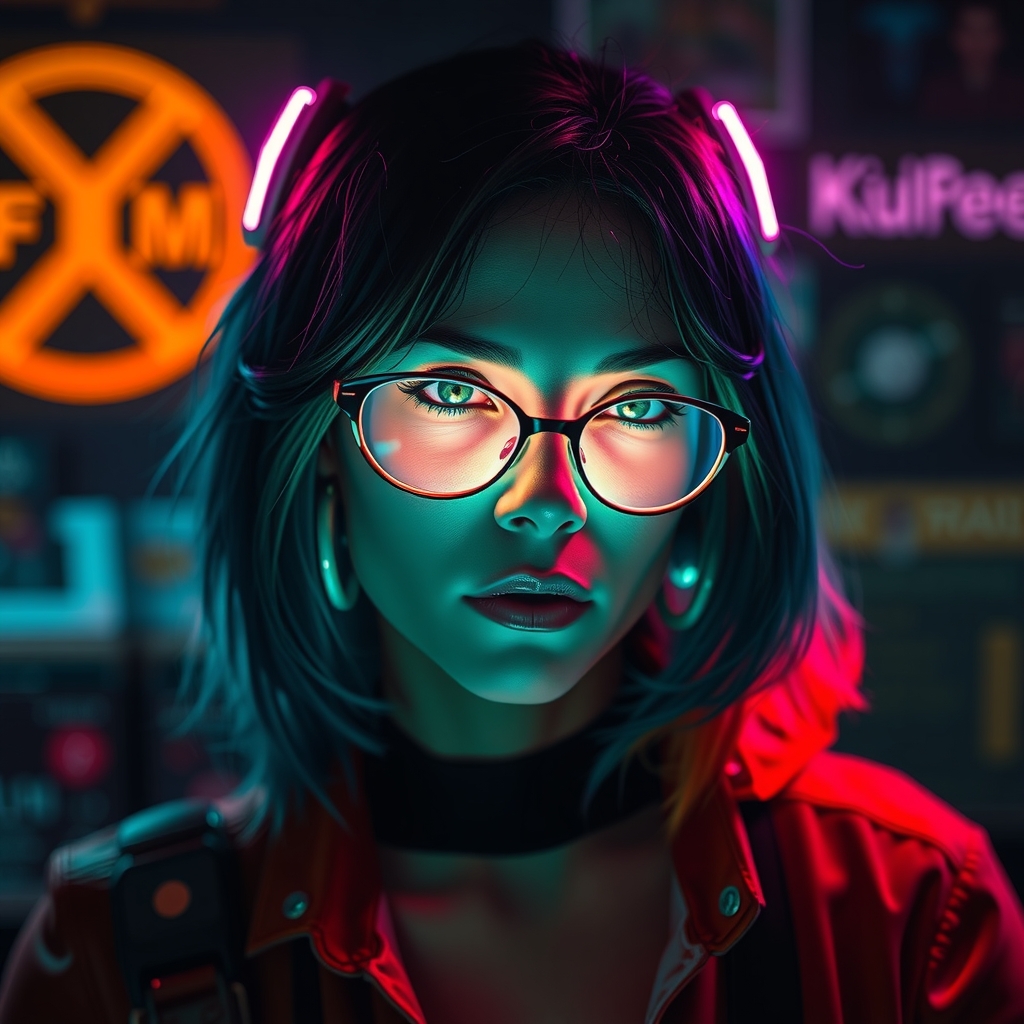
Cyberpunk 2077's Netrunner interface is an iconic visual element that has captured the imagination of fans and cosplayers alike. The futuristic design, complete with glowing LED lights and sleek acrylic surfaces, is a staple of the game's cyberpunk aesthetic. In this guide, we'll walk you through the process of creating a DIY Netrunner interface using LED lights and acrylic effects, perfect for enhancing your Cyberpunk 2077 cosplay.
Designing Your Netrunner Interface
Before diving into the crafting process, it's essential to plan and design your Netrunner interface. Study reference images from the game and take note of the layout, shape, and color scheme of the interface. You can choose to replicate a specific Netrunner interface from the game or create your own unique design.
Consider the materials and tools you'll need for the project, including:
- LED lights or EL wire for the glowing effects
- Acrylic sheets or rods for the interface's sleek surfaces
- 3D printing or laser cutting for custom shapes and designs
- Electronics and wiring for powering the LED lights
- Adhesives and bonding agents for assembling the interface
Choosing the Right LED Lights
LED lights are a crucial component of the Netrunner interface, providing the signature glow that makes the design pop. When selecting LED lights, consider the following factors:
- Color temperature: Choose LED lights with a cool, blue-ish tone to match the game's aesthetic.
- Brightness: Select LED lights with adjustable brightness to achieve the desired level of glow.
- Flexibility: Opt for flexible LED strips or individual LEDs for easier shaping and placement.
Crafting the Acrylic Effects
Acrylic sheets or rods can be used to create the sleek, futuristic surfaces of the Netrunner interface. To achieve a professional-looking finish, follow these steps:
- Cut the acrylic sheets or rods to the desired shape and size using a laser cutter or a craft knife.
- Polish the cut edges using progressively finer grits of sandpaper and a polishing compound.
- Apply a bonding agent, such as acrylic adhesive or super glue, to attach the acrylic pieces together or to a base material.
Assembling and Wiring the Interface
Once you have your LED lights and acrylic effects prepared, it's time to assemble and wire the interface. Follow these general steps:
- Design a wiring layout to connect the LED lights to a power source, such as a battery pack or a USB-powered circuit.
- Use a soldering iron and wire to connect the LED lights to the circuit.
- Secure the LED lights and wiring using hot glue, epoxy, or cable ties.
- Attach the acrylic effects to the interface using adhesives or mechanical fasteners.
Tips and Variations
To take your Netrunner interface to the next level, consider adding these details:
- Mist or diffuse the LED lights for a softer, more subtle glow.
- Add texture or patterns to the acrylic surfaces using etching, sanding, or printing techniques.
- Incorporate other materials, such as metal or carbon fiber, for added realism and depth.
- Experiment with different colors or effects, such as RGB LEDs or fiber optics, to create a unique look.
Conclusion
Crafting a DIY Netrunner interface with LED lights and acrylic effects is a rewarding project that can elevate your Cyberpunk 2077 cosplay to the next level. With careful planning, precise crafting, and attention to detail, you can create a stunning and authentic Netrunner interface that showcases your creativity and skill.