Introduction to 3D Printed Cosplay
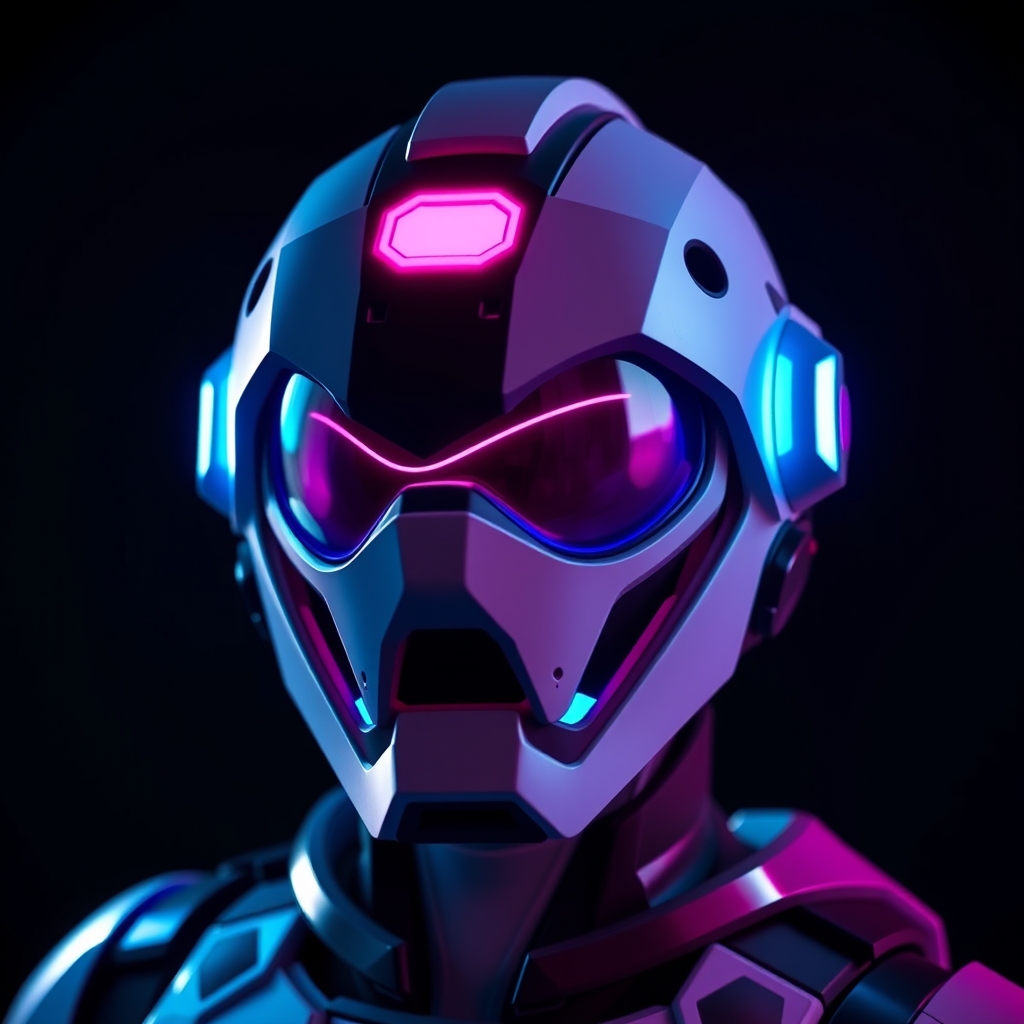
3D printing has revolutionized the world of cosplay, allowing creators to bring intricate and complex designs to life with unprecedented precision and accuracy. One of the most popular applications of 3D printing in cosplay is the creation of custom helmets, and Overwatch remains one of the most beloved franchises for cosplayers. In this guide, we'll take you through the step-by-step process of designing and 3D printing custom Overwatch helmets, covering the essential techniques, tools, and best practices to help you achieve professional-grade results.
Designing Your Helmet
Before diving into 3D printing, it's essential to have a solid design concept. Start by selecting the Overwatch hero you'd like to cosplay and gathering reference images from various angles. Use these references to sketch out your design, taking note of the character's proportions, shapes, and details.
For more complex designs, consider using 3D modeling software like Blender or Tinkercad to create a digital model. You can also use online resources, such as 3D model repositories or community-created designs, as a starting point for your project.
- Choose the right software: Popular 3D modeling software for beginners includes Tinkercad, Fusion 360, and Blender.
- Reference, reference, reference: Collect high-quality images of the character from various angles to ensure accuracy.
- Keep it simple: Don't be afraid to simplify complex designs or focus on key features to achieve a more manageable build.
Preparing Your Design for 3D Printing
Once you have a solid design concept, it's time to prepare it for 3D printing. This involves ensuring your model is watertight, optimizing it for printability, and scaling it to the correct size.
Use software like MeshLab or Blender to:
- Repair and optimize: Fix any mesh errors, remove unnecessary details, and optimize the model for 3D printing.
- Scale and orient: Adjust the size and orientation of your model to fit your needs and printing constraints.
3D Printing Your Helmet
With your design prepared, it's time to start 3D printing. Choose a suitable printing material, such as PLA or ABS, and select the optimal print settings for your specific printer and design.
Some popular 3D printing techniques for cosplay include:
- FDM (Fused Deposition Modeling): A widely used and affordable technique for printing with PLA, ABS, and other thermoplastics.
- SLA (Stereolithography): A resin-based technique ideal for printing highly detailed and smooth surfaces.
- Monitor your print: Regularly check on your print to ensure it's progressing smoothly and make adjustments as needed.
- Calibrate your printer: Regularly calibrate your printer to maintain optimal performance and print quality.
- Post-processing: Plan for post-processing techniques, such as sanding, painting, or applying a finish, to enhance the final appearance of your helmet.
Post-Processing and Finishing
Once your helmet is printed, it's time to focus on post-processing and finishing. This may involve:
- Sanding and smoothing: Remove layer lines, smooth out rough edges, and achieve a high-quality finish.
- Painting and finishing: Apply paint, varnish, or other finishes to achieve the desired color and texture.
- Assembly and installation: Assemble any separate components, install electronics or mechanical parts, and ensure a secure and comfortable fit.
Conclusion and Next Steps
Mastering the art of 3D printed cosplay requires patience, practice, and dedication, but with the right techniques and tools, you can create stunning and professional-grade custom Overwatch helmets. Remember to:
- Experiment and innovate: Don't be afraid to try new techniques, materials, and designs to push the boundaries of 3D printed cosplay.
- Join the community: Connect with fellow cosplayers, share your work, and learn from others through online forums, social media, and cosplay events.
- Keep learning: Stay up-to-date with the latest developments in 3D printing, cosplay, and prop making to continually improve your skills.