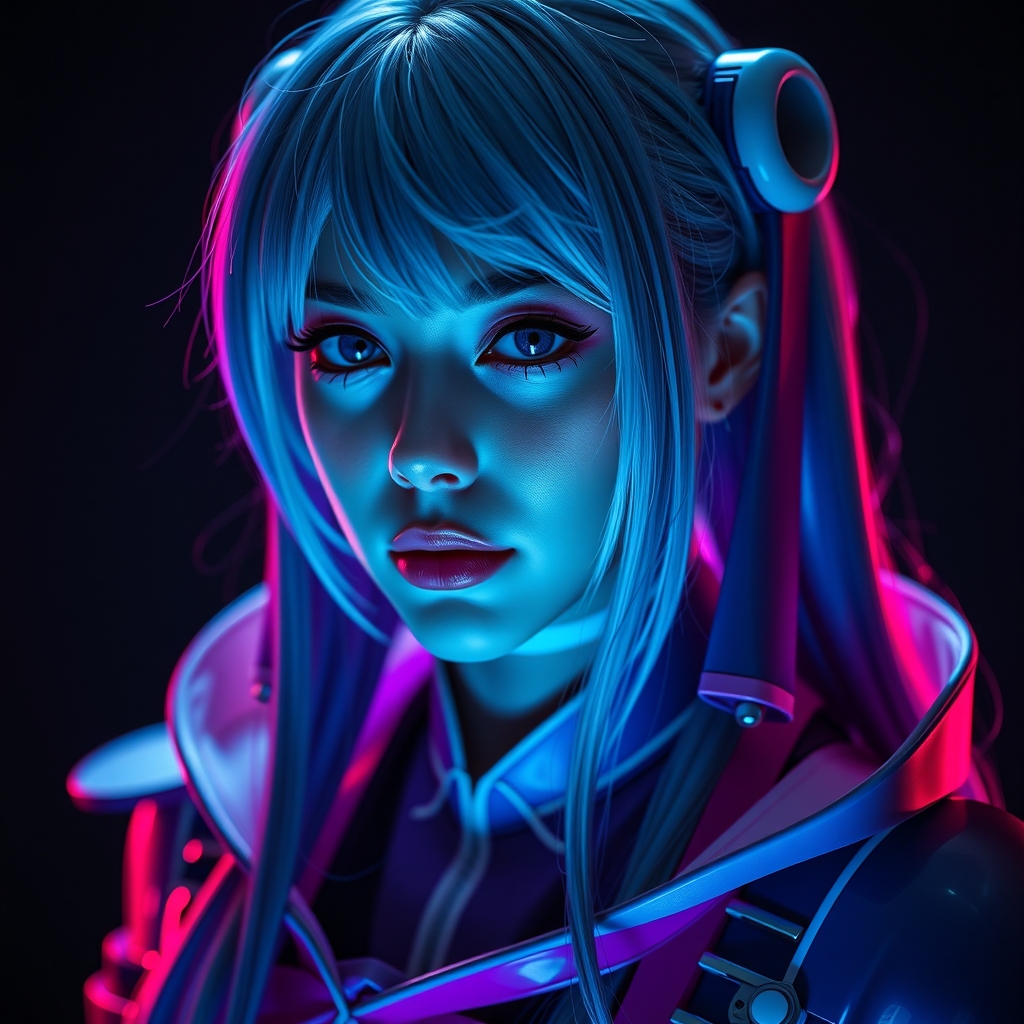
Introduction to Digital Cosplay
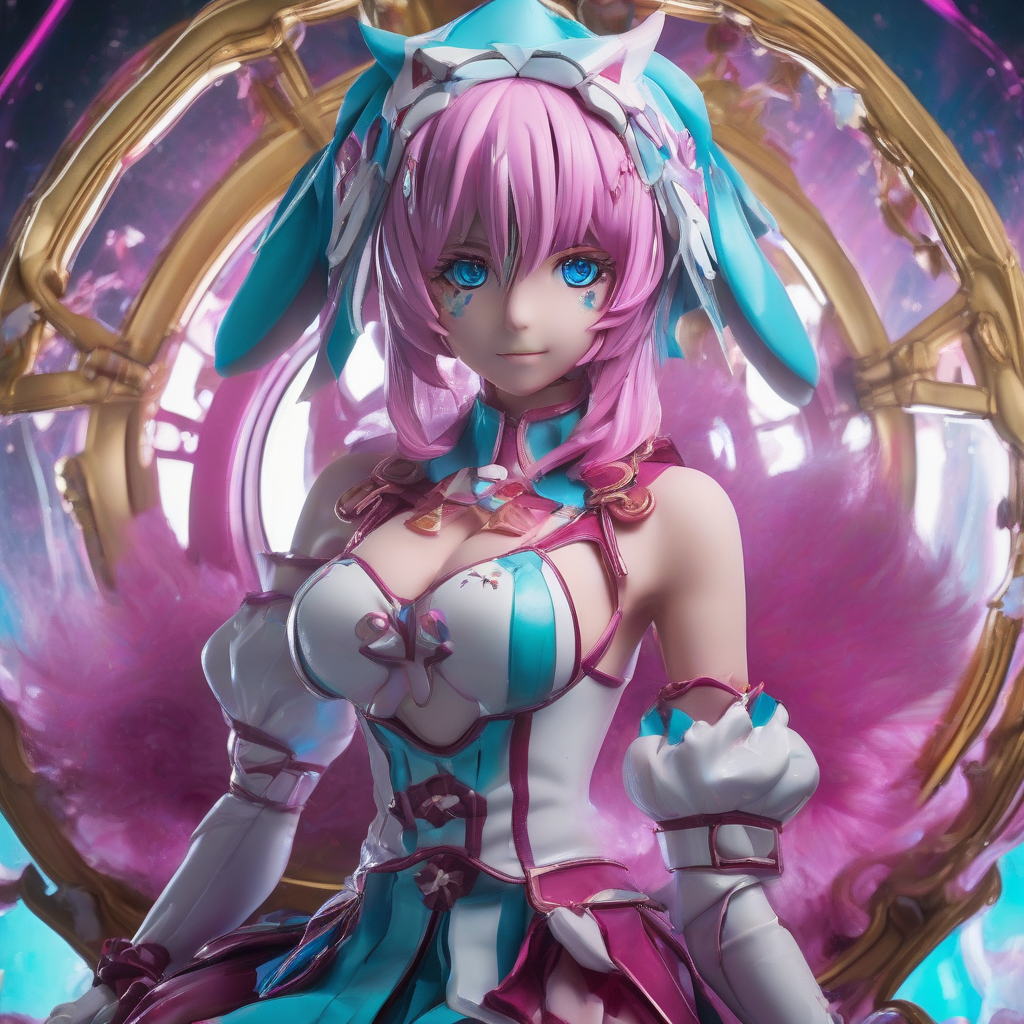
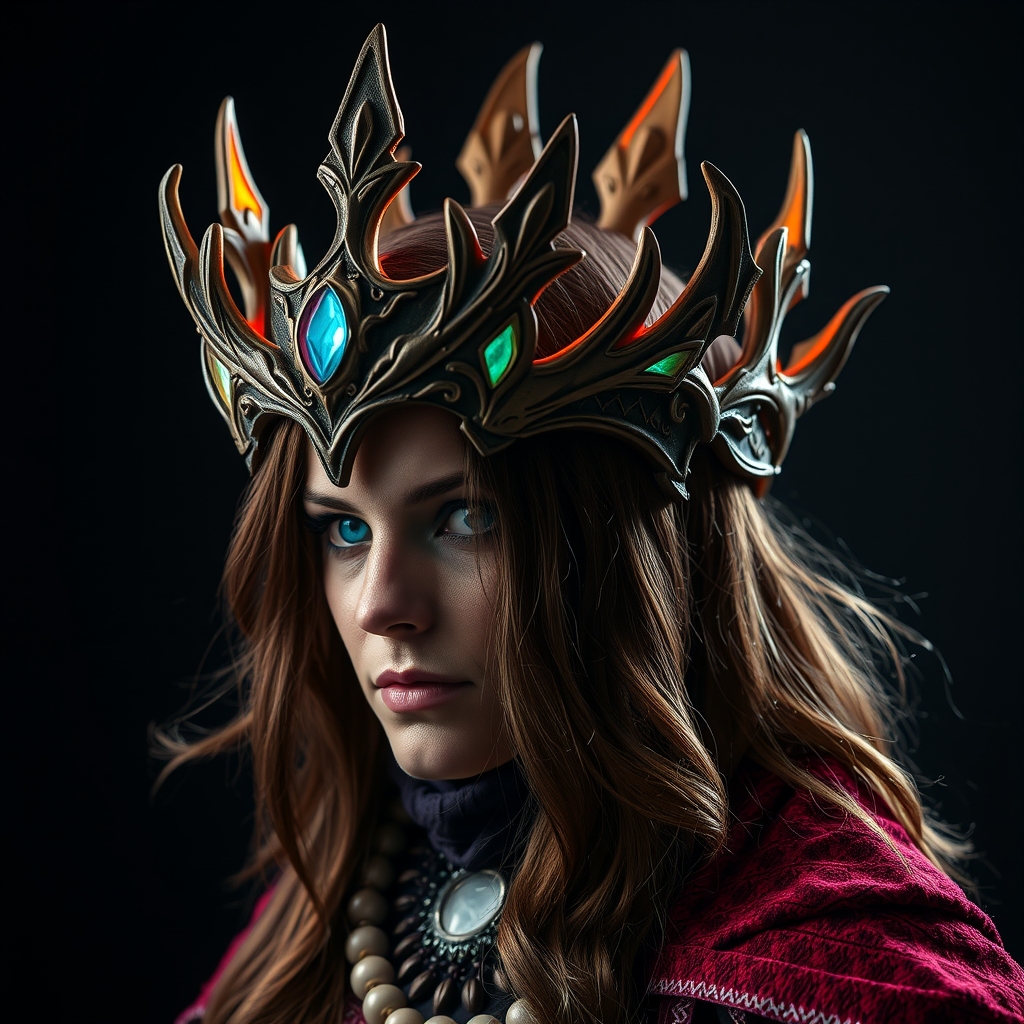
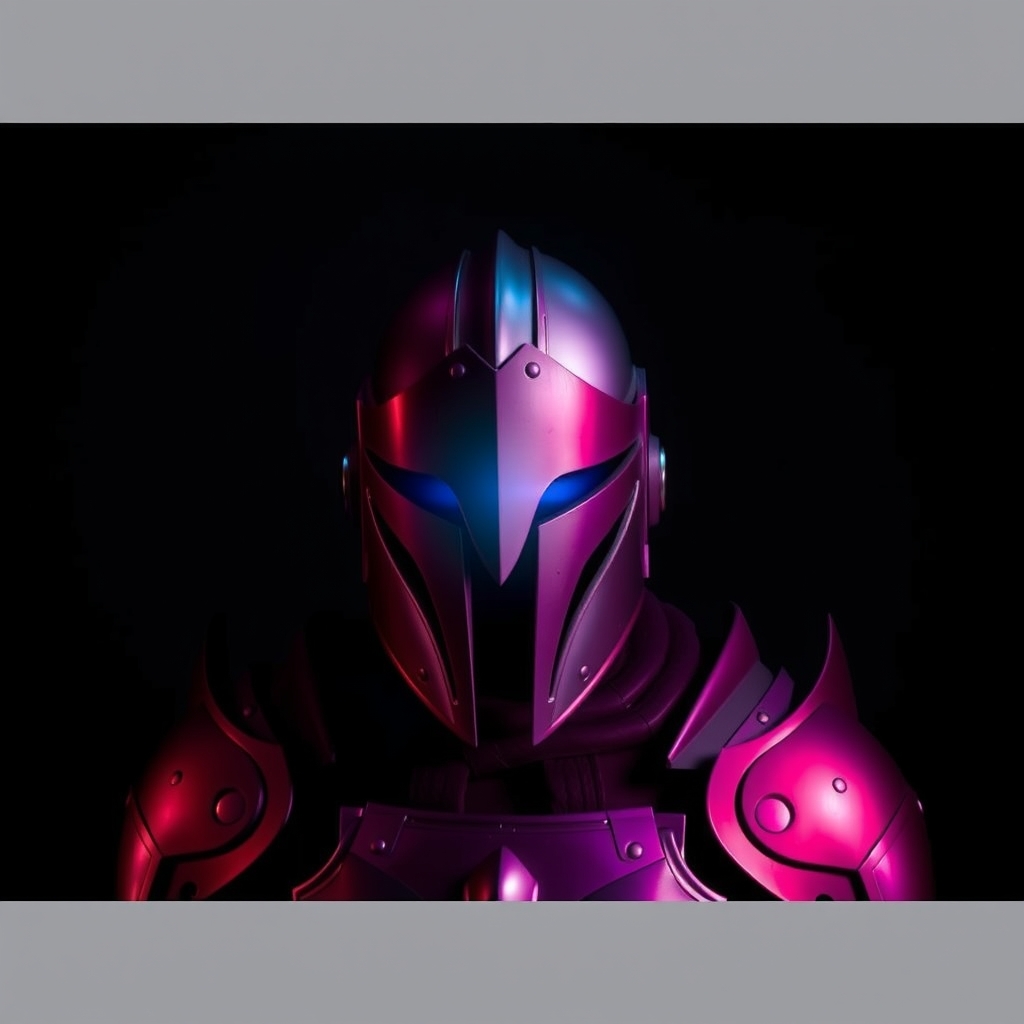
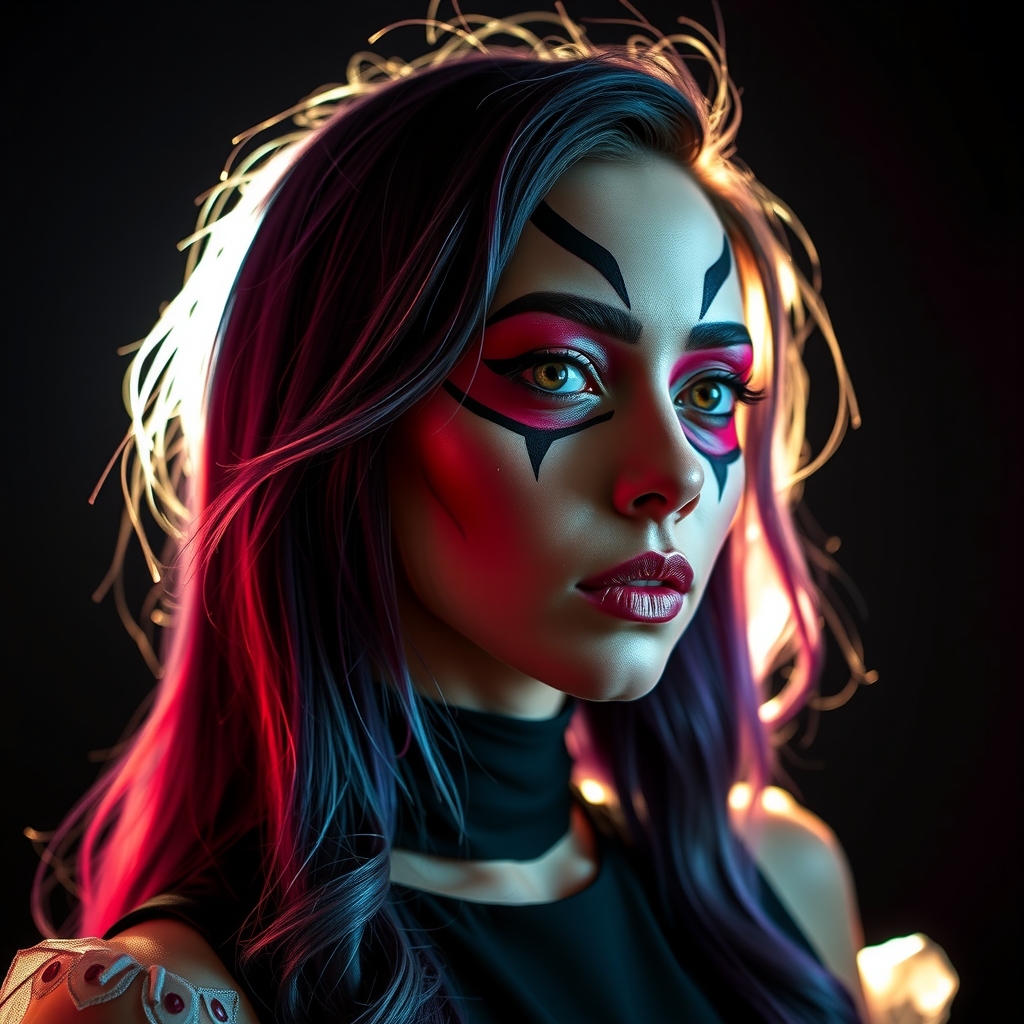
Digital cosplay has become an increasingly popular way for fans to express their creativity and showcase their favorite characters in a virtual environment. With the advancement of technology and software, creating stunning digital cosplay characters has become more accessible than ever. In this article, we'll explore the essential techniques and software you need to bring your digital cosplay characters to life.
Concept and Planning
Before diving into the creation process, it's essential to have a solid concept and plan in place. Start by researching your character's design, including their costumes, accessories, and expressions. Gather reference images from various angles and lighting conditions to ensure accuracy. Consider the following:
- Character profile: Study your character's personality, backstory, and traits to get a better understanding of their overall aesthetic.
- Color palette: Choose a color scheme that accurately represents your character's design and mood.
- Posing and expression: Plan out the poses and expressions you want to capture in your digital cosplay.
Choosing the Right Software
To create stunning digital cosplay characters, you'll need to familiarize yourself with 3D modeling, texture mapping, and rendering software. Some popular options include:
- Blender: A free, open-source 3D creation software that's ideal for beginners and professionals alike.
- ZBrush: A powerful digital sculpting and painting software used for creating high-resolution 3D models.
- Substance Painter: A 3D texture mapping and material creation software that allows for realistic and detailed textures.
- OctaneRender: A fast and realistic rendering engine that integrates with various 3D software.
3D Modeling and Texturing
Once you have your concept and software in place, it's time to start building your digital cosplay character. Begin by creating a 3D model using your chosen software. Focus on:
- Accuracy: Ensure your model accurately represents your character's design and proportions.
- Details: Add intricate details, such as fabric folds, textures, and accessories.
- Topology: Optimize your model's topology for efficient rendering and animation.
After modeling, move on to texturing and shading. Use software like Substance Painter to create realistic textures and materials that bring your character to life.
Lighting and Rendering
Lighting and rendering are crucial steps in creating stunning digital cosplay characters. Experiment with different lighting setups to achieve the desired mood and atmosphere. Consider:
- Ambient Occlusion: Use ambient occlusion to add depth and realism to your character's model.
- Lighting presets: Utilize pre-made lighting presets or create your own custom setups.
- Render settings: Adjust render settings to balance quality and performance.
Post-Processing and Editing
Once you've rendered your digital cosplay character, it's time for post-processing and editing. Use software like Adobe Photoshop or GIMP to:
- Enhance colors and contrast: Adjust the color palette and contrast to ensure your character pops.
- Remove imperfections: Retouch and remove any imperfections or rendering artifacts.
- Add effects: Apply effects like depth of field, motion blur, or lens flares to enhance the overall image.
Conclusion and Tips
Mastering the art of digital cosplay requires patience, practice, and dedication. Remember to:
- Experiment and take risks: Try new techniques and software to stay ahead of the curve.
- Join online communities: Connect with fellow digital cosplayers and learn from their experiences.
- Stay up-to-date with industry developments: Follow industry leaders and software updates to stay informed.
With these tips and tricks, you'll be well on your way to creating stunning digital cosplay characters that showcase your creativity and skill.