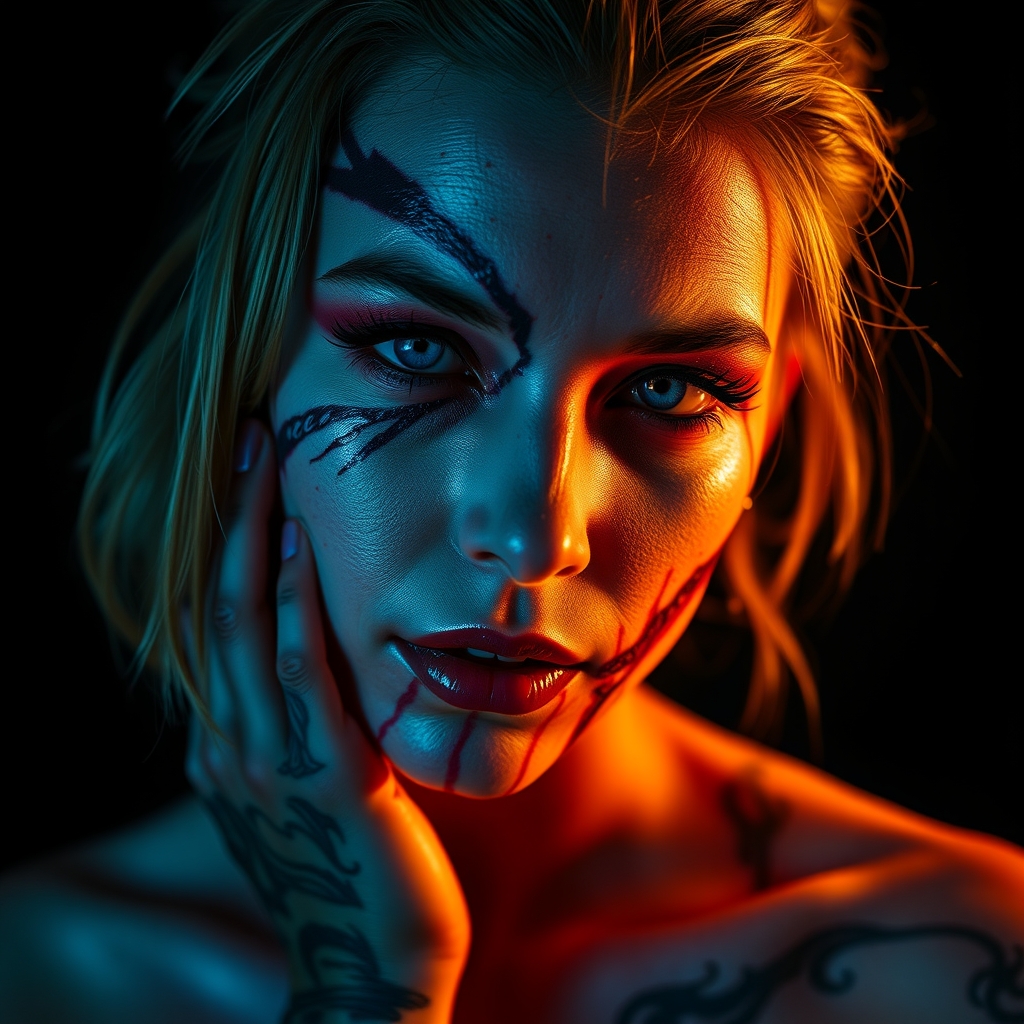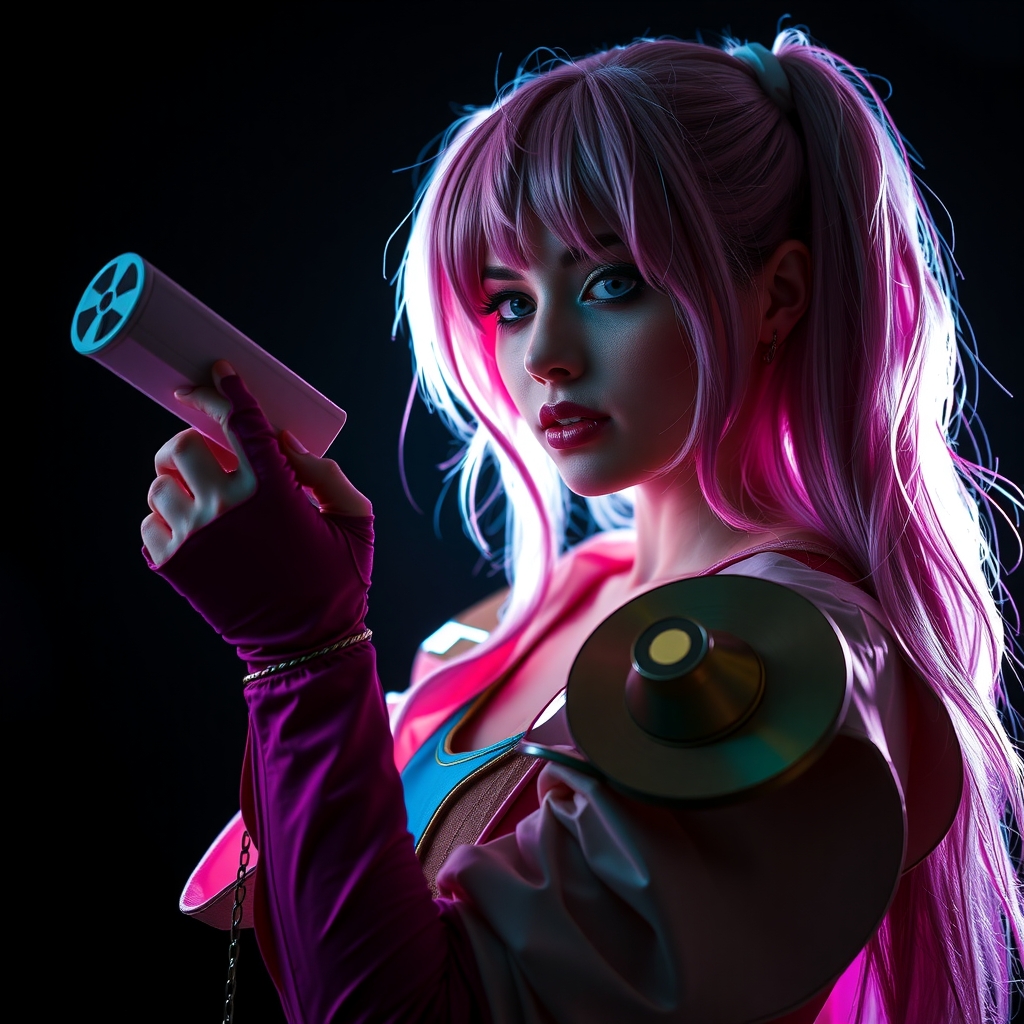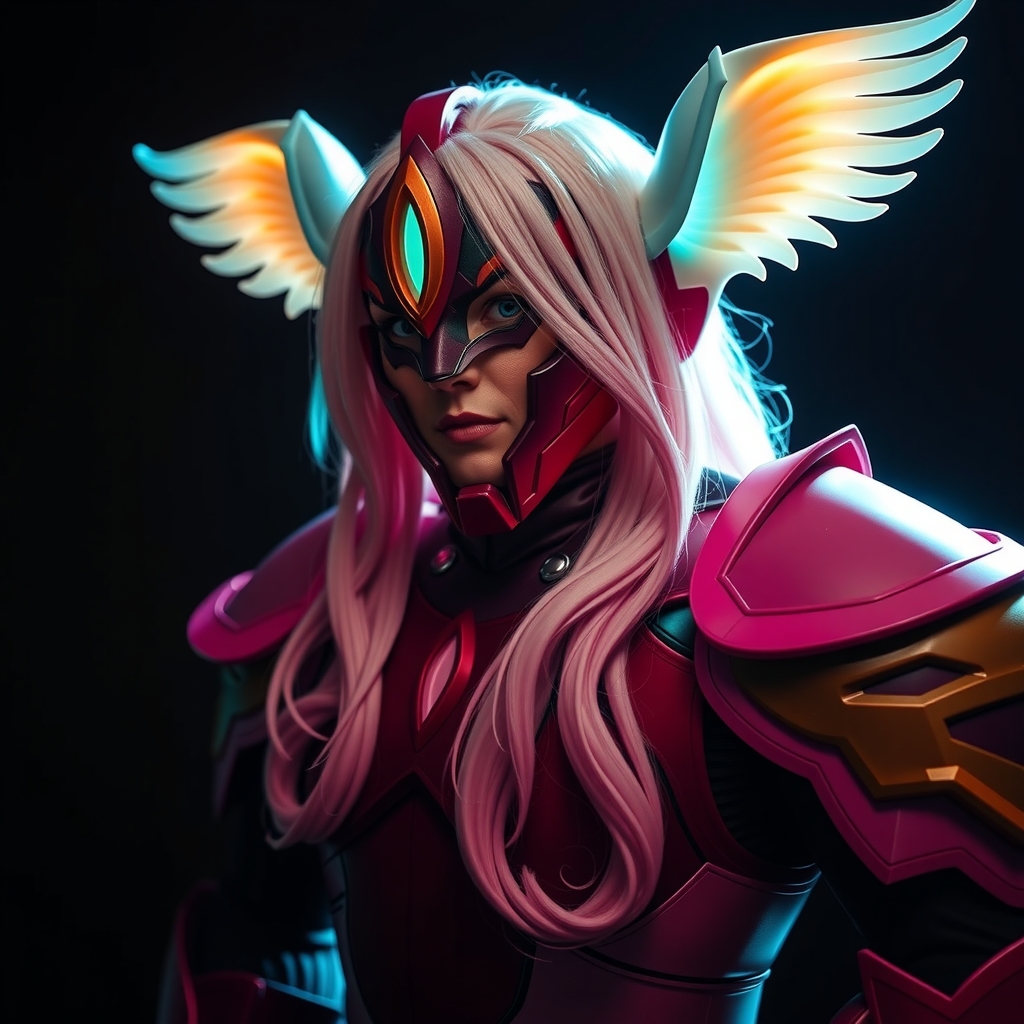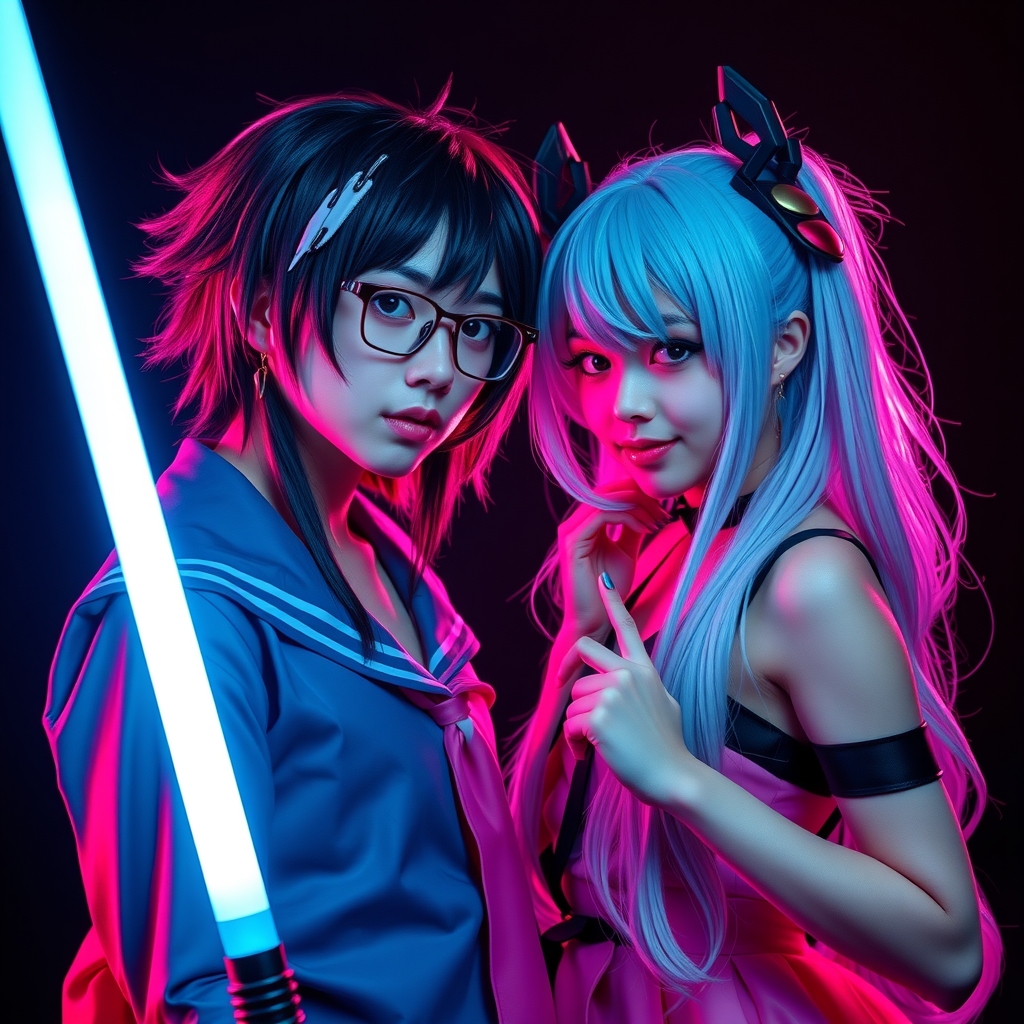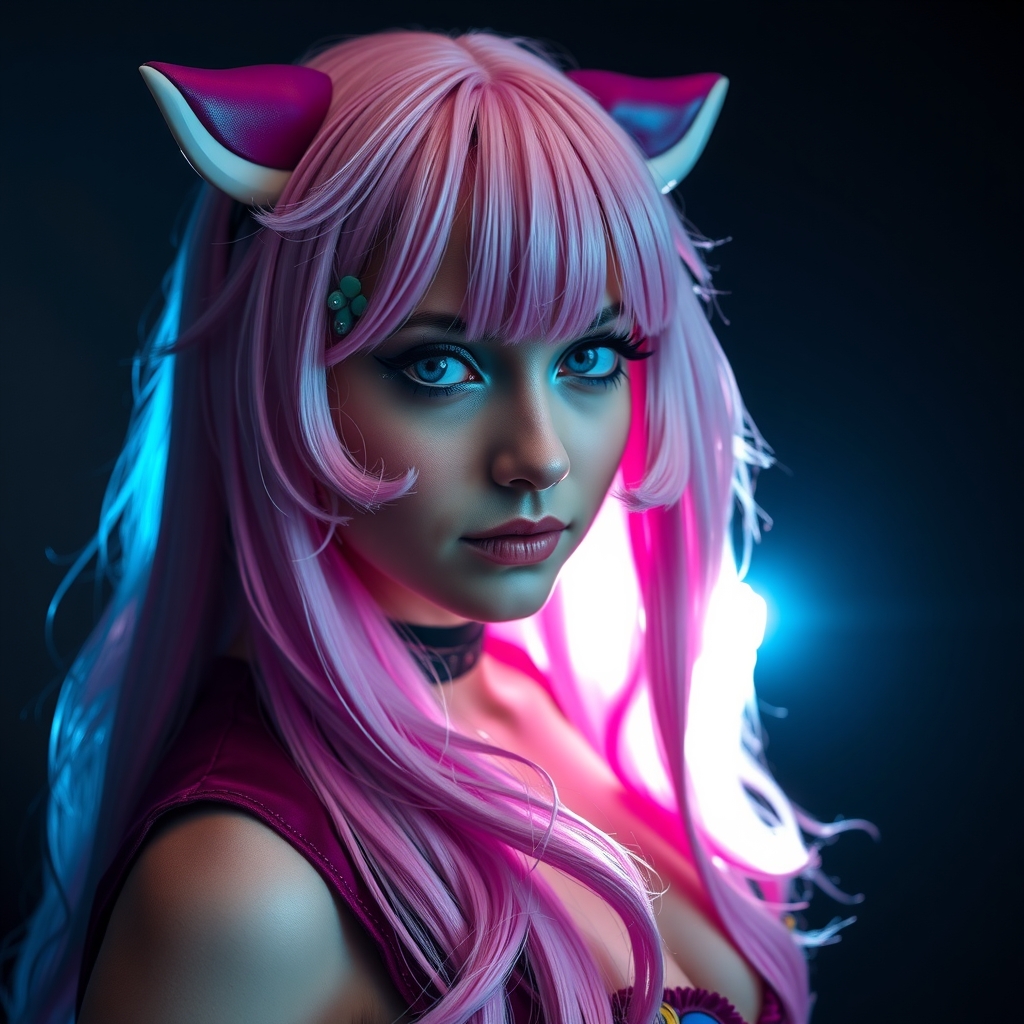
Capturing the perfect cosplay photo at a convention is only half the battle. Between the unpredictable fluorescent lighting of exhibit halls and the chaotic backgrounds of a crowded lobby, raw photos rarely do justice to the hours of craftsmanship put into a costume. While desktop software remains the gold standard for high-end retouching, the modern mobile ecosystem offers powerful tools that allow cosplayers and photographers to edit, enhance, and share their work in real-time.
The goal of mobile editing for cosplay is not to distort reality, but to polish it. Whether you are removing a stray power cable from the background or correcting the skin tones washed out by overhead lights, the right app can bridge the gap between a casual snapshot and a professional portfolio piece.
Optimizing Your Workflow for Convention Environments
Before diving into specific apps, it is essential to establish a workflow. Editing on the go requires a balance between speed and quality. To avoid spending your entire convention staring at a screen, adopt a "batch and polish" approach. Use a global adjustment tool to normalize the lighting across several photos from the same location, then select your top three images for detailed retouching.
When editing, prioritize these three elements: lighting balance, color accuracy, and distraction removal. A costume's fabric and paint are designed to look a certain way; your edits should ensure that the digital version of the costume matches the physical reality of the build.
The Essential Toolkit: Top Apps for Every Need
Global Adjustments and Color Grading
For overall image quality, a powerful RAW editor is indispensable. Apps that allow you to manipulate the "curves" of an image provide the most control over contrast and luminance. Look for tools that offer selective adjustments, allowing you to brighten a face without blowing out the background.
- Adobe Lightroom Mobile: The industry standard for a reason. Its strength lies in the masking tools and the ability to sync presets across multiple photos, ensuring a consistent look for a full gallery.
- Snapseed: A versatile, free option that excels in "Selective" editing. You can place a point on a specific area—such as a metallic prop—and increase the structure or brightness without affecting the rest of the image.
Precision Retouching and Object Removal
Convention halls are notorious for "visual noise"—exit signs, trash cans, and other attendees appearing in the edges of your frame. Healing and cloning tools are vital for cleaning up these distractions.
- TouchRetouch: Specifically designed for removing unwanted objects. It is significantly faster than general editors for removing power lines or background strangers with a few swipes.
- Facetune: While often associated with skin smoothing, its "Patch" and "Vanish" tools are excellent for fixing small costume malfunctions, such as a visible piece of double-sided tape or a stray thread.
Atmospheric Effects and Digital Artistry
Some cosplays require a bit of "magic" to truly come to life. Adding embers, fog, or glowing energy effects can elevate a photo from a costume study to a cinematic moment.
- Picsart: A comprehensive creative suite. Its "Sticker" and "Blend" modes allow you to overlay textures or light leaks to simulate a specific environment, such as a futuristic cityscape or a fantasy forest.
- LensDistortions: Ideal for adding realistic atmospheric elements. Instead of artificial-looking filters, this app uses high-quality captures of real light, rain, and snow to add depth to a shot.
Advanced Color Manipulation and Filters
When a costume has a very specific color palette—such as a neon-heavy cyberpunk build—standard filters often fail. You need tools that allow for HSL (Hue, Saturation, Luminance) adjustments.
- VSCO: Known for its film-emulation presets, VSCO is perfect for creating a specific mood or "vibe" for a series of photos, making them feel like they belong in a specific era or movie.
- Prisma: For those wanting a stylized, illustrative look, Prisma uses AI to transform photos into paintings or comic book art, which can be a great way to present a character's "concept art" version.
Final Polish and Exporting
The final step is ensuring the image looks good on all screens. Over-editing can lead to "banding" or pixelation, especially when uploading to social media platforms that compress images.
- Canva: While primarily a design tool, Canva is excellent for adding clean typography or creating a multi-image layout to show a "Before and After" of your editing process.
Practical Tips for Natural-Looking Enhancements
The biggest mistake in mobile editing is over-processing. To keep your photos looking professional, follow these guidelines:
- Check the Histogram: If your app provides a histogram, ensure you aren't "clipping" your highlights. If the white areas of your costume are a solid block of white with no detail, lower the highlights.
- Avoid Over-Saturation: It is tempting to crank up the saturation to make colors pop, but this often leads to "neon skin" or lost detail in the fabric. Use "Vibrance" instead, which targets muted colors without over-saturating skin tones.
- Maintain Texture: Be careful with "smoothing" or "blur" tools. Cosplay is about the craft; if you blur the image too much, you erase the texture of the leather, the weave of the fabric, and the detail of the props.
- Compare with the Original: Regularly toggle between your edited version and the original photo. If the edit feels jarring or unnatural, dial back the opacity of your filters.
Managing Your Mobile Gallery
Editing dozens of photos per day can quickly fill up your device's storage. To keep your workflow efficient, organize your photos into folders by character or event. Use cloud storage to back up your RAW files immediately after the convention, as mobile devices are prone to loss or damage in crowded environments.
By combining these tools with a disciplined approach to lighting and composition, you can turn a chaotic convention floor into a professional studio. The key is to use these apps as a way to enhance the hard work you put into your costume, ensuring that the final image is a true reflection of your artistry.