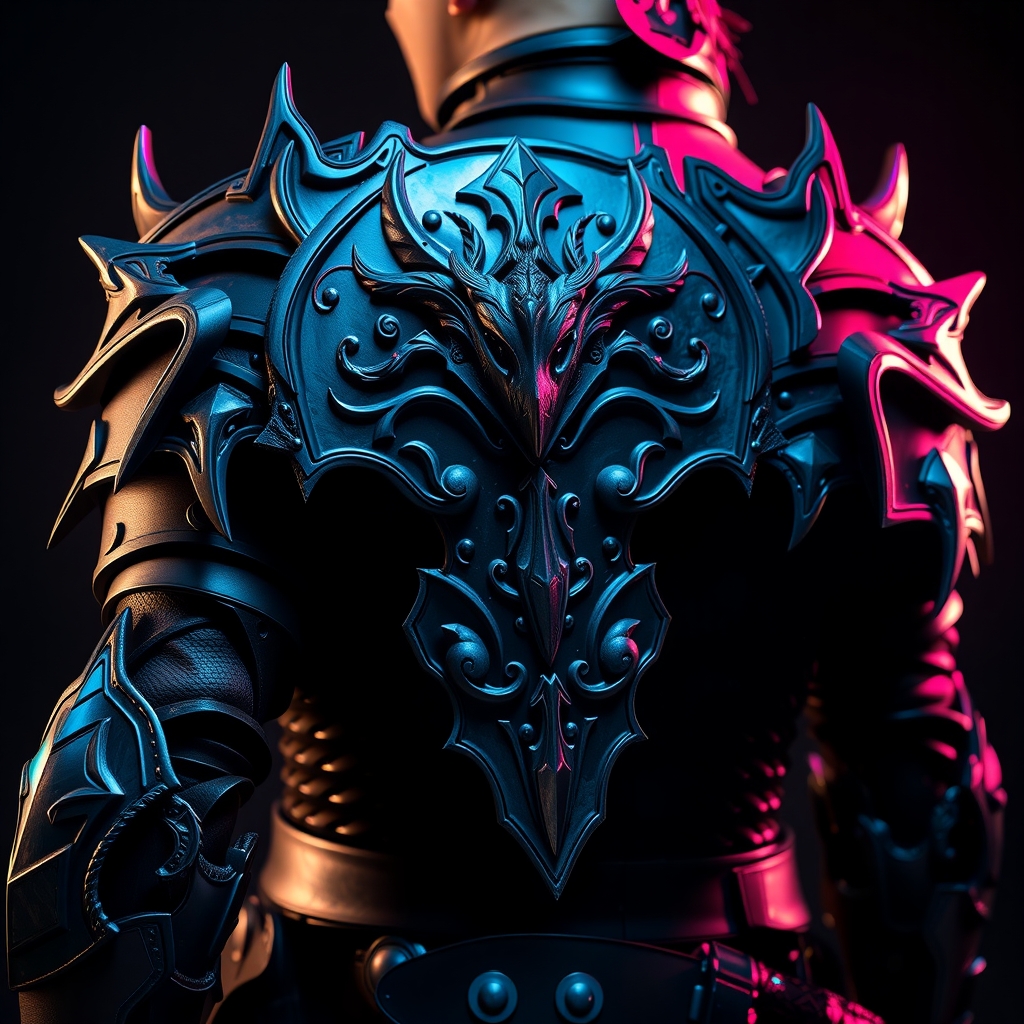
Introduction to 8-Bit Cosplay
The 8-bit era of video games is a beloved time for many gamers and cosplayers. Characterized by simple yet charming graphics, this period has inspired countless cosplay creations. One of the key elements that make 8-bit cosplay stand out is the use of pixel art and faux enamel techniques to create accessories that resemble those found in classic video games. In this guide, we'll explore how to create your own 8-bit inspired cosplay accessories using these techniques.
Understanding Pixel Art
Pixel art is a digital art style that involves creating images using individual pixels. This style was popularized during the 8-bit era due to the technical limitations of early video game consoles and computers. To create pixel art, you'll need a few basic tools:
- A graphics editor like Adobe Photoshop or Aseprite
- A square pixel grid to work with
- A limited color palette to mimic the look of old video games
When creating pixel art, keep in mind that simplicity is key. Focus on using bold lines, basic shapes, and a limited color palette to achieve an authentic 8-bit look.
Designing Your Pixel Art
To design your pixel art, start by brainstorming ideas for your accessory. Think about the character or game you want to represent and what kind of accessory would be fitting. Some popular ideas include:
- Iconic logos or symbols from the game
- Character sprites or portraits
- Game-inspired icons like hearts, stars, or coins
Once you have an idea, use your graphics editor to create a pixel art design. Keep your design simple and bold, and make sure it's large enough to be visible on your accessory.
Creating Faux Enamel Accessories
Faux enamel is a technique that mimics the look of traditional enamel painting. This technique involves using a mixture of resin and pigment to create a glossy, enamel-like finish. To create faux enamel accessories, you'll need:
- A mold or shape to create your accessory
- A resin mixture specifically designed for faux enamel
- A pigment to color your resin
- A sealant to protect your accessory
When working with faux enamel, make sure to follow all safety precautions and use a well-ventilated workspace.
Combining Pixel Art and Faux Enamel
To create an 8-bit inspired cosplay accessory, combine your pixel art design with faux enamel techniques. Here's a step-by-step guide:
- Create a pixel art design using a graphics editor.
- Print your design on paper or vinyl, or use it as a guide to paint a design directly onto a surface.
- Use a mold or shape to create a faux enamel accessory.
- Mix your resin and pigment, and pour it into the mold.
- Allow the resin to cure, then remove it from the mold.
- Seal your accessory with a clear coat to protect it.
- Attach your pixel art design to the accessory using a strong adhesive.
Tips and Variations
To take your 8-bit inspired cosplay accessories to the next level, try these tips and variations:
- Experiment with different pixel art styles and techniques.
- Use different colors and pigments to create a unique look.
- Add texture or details to your accessory using paint or other materials.
- Combine faux enamel with other materials, like metal or leather.
With these tips and techniques, you can create your own unique 8-bit inspired cosplay accessories that are sure to impress at your next convention or photoshoot.
Conclusion
Creating 8-bit inspired cosplay accessories using pixel art and faux enamel techniques is a fun and rewarding process. By following these steps and tips, you can add a nostalgic touch to your costumes and stand out in the cosplay community. So why not give it a try? Grab your graphics editor and resin mixture, and get ready to pixel perfect your cosplay game!