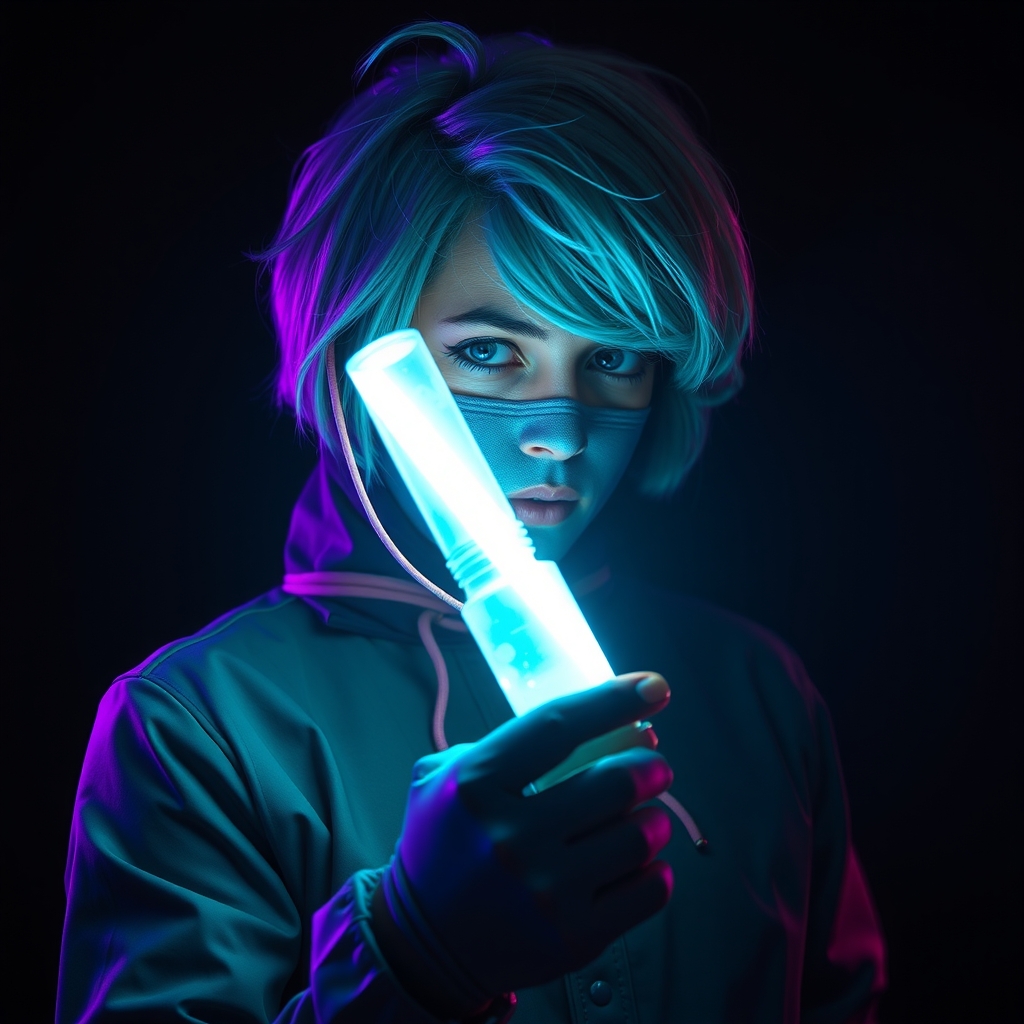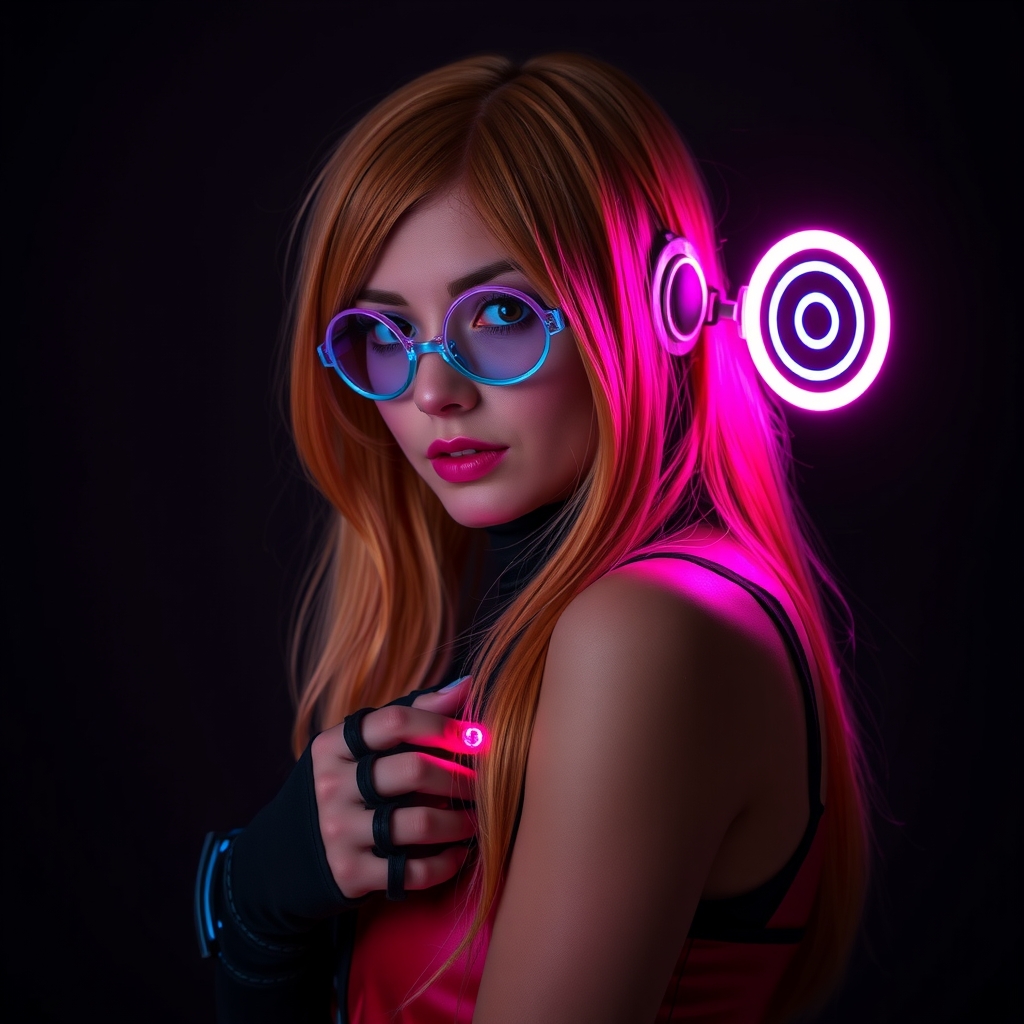
For many cosplayers, the transition from "costume" to "prop" happens the moment a piece of gear lights up. While basic battery-powered LED strips can provide a glow, the real magic happens when that light reacts to the environment, the wearer, or a specific trigger. This is where the world of microcontrollers, specifically the Arduino ecosystem, becomes an essential tool in the maker's kit.
Integrating electronics into a wearable garment requires a balance between visual impact and physical practicality. You aren't just building a circuit; you are building a piece of clothing that must withstand movement, heat, and the chaos of a convention floor. By leveraging Arduino, you can move beyond simple "on/off" switches to create pulsing heartbeats, scrolling data displays, and reactive armor.
Choosing the Right Hardware for Wearables
The standard Arduino Uno is a powerhouse for prototyping, but it is far too bulky for most costumes. To keep your build lightweight and discreet, you must select a board designed for mobility.
The Microcontroller
The Arduino Nano is a popular choice for beginners because it offers the same functionality as the Uno but in a compact form factor. For even smaller projects, such as jewelry or small handheld props, the Arduino Pro Mini or the Seeed Studio XIAO series provide an incredibly small footprint. If your project requires wireless triggers or remote control, consider an ESP32 or Arduino Nano RP2040 Connect, which integrate Wi-Fi and Bluetooth.
LED Selection: Standard vs. Addressable
Understanding the difference between LED types is critical for your design:
- Standard LEDs: These are simple components that turn one color. They are great for small indicator lights or simple glows but require a separate pin on the Arduino for every single light you want to control independently.
- Addressable LEDs (WS2812B/NeoPixels): These are the gold standard for interactive cosplay. Each LED contains a tiny chip that allows you to control the color and brightness of every single diode using only one data pin from your Arduino. This allows for animations, rainbows, and complex patterns.
Designing for the Body: Power and Wiring
The most common failure point in electronic cosplay is the wiring. A wire that works on your desk will often snap when you bend your arm or sit down in a costume.
Power Management
LEDs, especially large strips, can draw significant current. While the Arduino can power a few LEDs, a full suit of armor will require an external power source. Lithium Polymer (LiPo) batteries are preferred for their high energy density and slim profile. However, they require a voltage regulator or a "buck converter" to ensure you are feeding the Arduino and LEDs a steady 5V, as LiPo batteries can fluctuate in voltage as they drain.
Wiring for Durability
Avoid using rigid jumper wires for wearable projects. Instead, use stranded silicone wire. Silicone-coated wire is highly flexible and resists breaking under tension. To further protect your connections, use heat-shrink tubing over every solder joint. This prevents short circuits and provides mechanical strength to the connection.
Programming Interactive Behaviors
The power of the Arduino lies in the code. Rather than a static light, you can program "states" that change based on input. This transforms the prop from a decoration into a storytelling device.
Adding Input Triggers
To make your prop interactive, you need sensors. Common choices for cosplayers include:
- Push Buttons: Hidden in a glove or under a fabric layer to manually toggle light patterns.
- Accelerometers (MPU-6050): These detect motion. You can program your sword to glow brighter when swung or your armor to flash red when you take a sudden impact.
- Capacitive Touch Sensors: These can be sewn into fabric using conductive thread, allowing you to trigger effects by simply touching a specific part of your costume.
Creating Natural Animations
Avoid "hard" blinking (turning a light on and off instantly), which can look cheap and robotic. Instead, use sine wave functions or linear interpolation (lerp) to fade lights in and out. A slow, pulsing "breath" effect is far more convincing for magical or sci-fi energy sources than a rapid flash.
Integration and Mounting Strategies
Once the circuit works on the breadboard, you must integrate it into the costume. The goal is to make the electronics invisible while keeping them accessible for maintenance.
The Control Box
Never glue your Arduino directly to your costume. Instead, 3D print or buy a small plastic project box. Mount the Arduino, battery, and resistors inside this box. Use a single multi-pin connector (like a JST connector) to link the box to the rest of the costume. This allows you to remove the electronics for charging or reprogramming without dismantling the entire outfit.
Diffusing the Light
Raw LEDs create "hot spots"—bright, blinding dots of light that look unnatural. To achieve a professional, cinematic glow, you must diffuse the light. Effective materials include:
- White Acrylic or Polycarbonate: Sanding the surface of the plastic creates a frosted effect that spreads the light evenly.
- EVA Foam with White Primer: Thin layers of white foam can act as a natural diffuser.
- Hot Glue or Silicone: Filling a clear cavity with translucent hot glue can help scatter the light, though this is a permanent solution.
Testing and Safety Precautions
Electronics and fabric can be a dangerous combination if not handled correctly. Before heading to a convention, perform a "stress test." Wear the costume and move through your full range of motion for thirty minutes to ensure no wires are pulling loose and no components are overheating.
Always include a physical kill-switch. In the event of a battery malfunction or a short circuit, you need a way to cut power instantly without having to dig through layers of foam and fabric to find the battery. A simple toggle switch mounted on the exterior of your control box is the safest practice.
By combining the logic of Arduino with the creativity of cosplay, you move beyond the visual representation of a character and begin to simulate the technology and magic of the worlds you love. Start small, wire for durability, and always prioritize safety over spectacle.