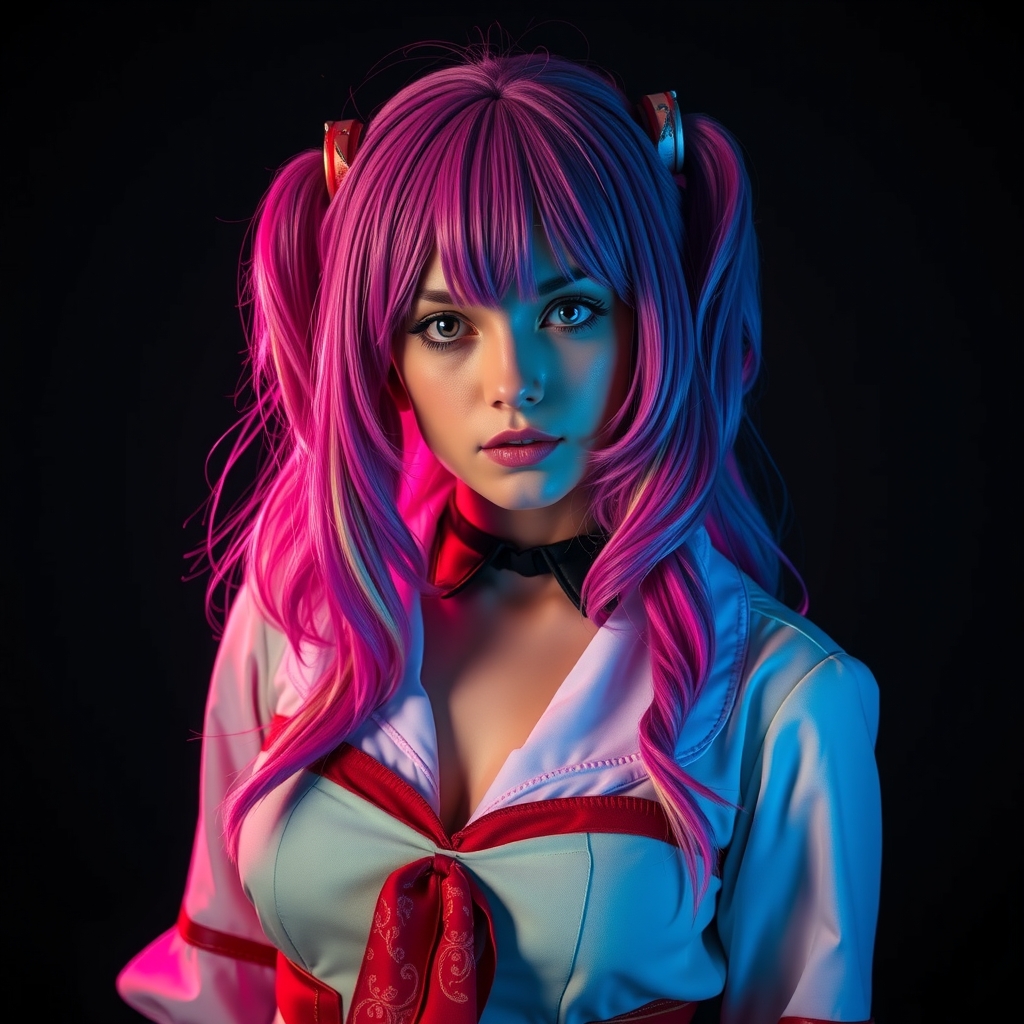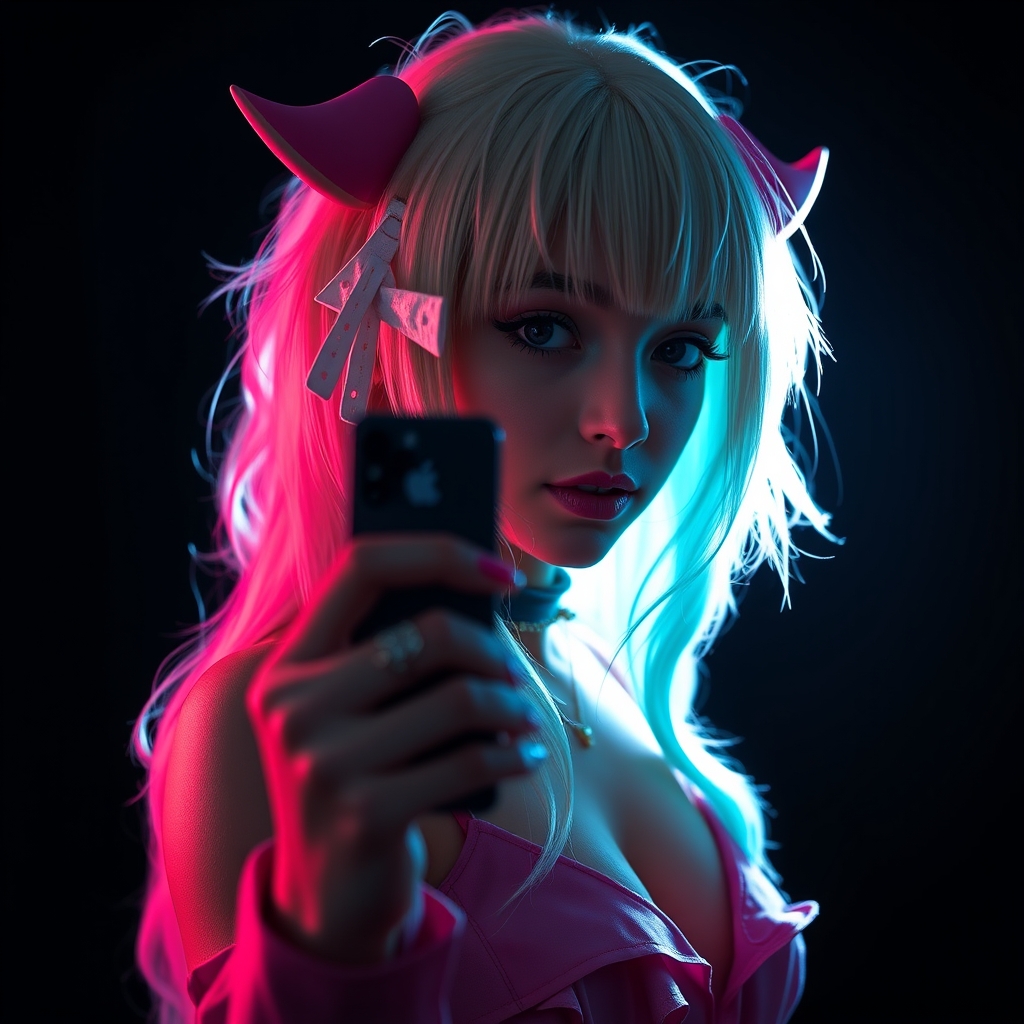
In the high-energy environment of a convention center, hauling a DSLR, multiple lenses, and a speedlight can feel like a logistical nightmare. Yet, the pressure to document your hard work or capture your friends' elaborate builds remains high. The good news is that modern smartphone cameras have reached a point where, with the right techniques, they can produce stunning, publication-ready cosplay imagery. The key isn't just the hardware; it’s understanding how to manipulate light, perspective, and software to your advantage.
1. Master the Exposure Lock
Convention centers are notorious for inconsistent lighting—a mix of harsh overhead fluorescents and colorful LED stage lights. If you simply tap to focus, your phone will constantly adjust the exposure, causing your subject to look overexposed or muddy. To fix this, long-press on your subject’s face on the screen until the "AE/AF Lock" (Auto Exposure/Auto Focus Lock) indicator appears. Once locked, you can manually slide your finger up or down to dim or brighten the image. This ensures your subject is perfectly lit, even if the background is chaotic.
2. Utilize "Portrait Mode" for Depth, Not Just Bokeh
Portrait mode is often dismissed as a gimmick for blurring backgrounds, but it is an essential tool for isolating a cosplayer from a crowded convention floor. When shooting in a busy hallway, use Portrait mode to create a shallow depth of field. This mimics the look of a high-end 85mm lens. However, be careful with intricate props; if your prop has thin elements like a sword blade or a bow string, the software might accidentally blur parts of your gear. If this happens, step back slightly and zoom in optically to achieve a natural blur without relying on software processing.
3. The "Low-Angle" Hero Shot
Most cosplayers are photographed from eye level, which can make a build look static or "short." To give your cosplay a more imposing, heroic presence, turn your phone upside down so the camera lens is closer to the ground. Tilt the phone upward to capture the subject from a low angle. This perspective shift makes the cosplayer appear taller and more powerful. It is particularly effective for armor builds, as it emphasizes the silhouette and makes the character look like they have stepped straight out of a screen.
4. Use Your Screen as a Reflector
Lighting in a dim convention hall can lead to harsh shadows under the eyes and chin, known as "raccoon eyes." If you are shooting a close-up portrait, have a friend open a bright white image on their own smartphone screen and hold it just below the cosplayer's chin, out of the frame. This acts as a portable, soft fill-light that bounces illumination back into the face, smoothing out skin tones and highlighting the details of makeup or wigs.
5. Avoid Digital Zoom at All Costs
Digital zoom is the enemy of image quality. When you pinch to zoom on a smartphone, you are essentially cropping the image and losing resolution, resulting in pixelated, noisy photos. If you need to get closer, physically move your feet. If you cannot get closer, take the photo at the standard 1x focal length and crop it later during post-processing. Modern phones have high-megapixel sensors that handle cropping much better than the software handles real-time digital zooming.
6. Clean Your Lens—Seriously
This sounds like basic advice, but it is the single most ignored tip in mobile photography. Your phone lives in your pocket, inside your bag, or in your hand all day. It collects lint, fingerprints, and skin oils. A dirty lens creates "ghosting" or "flare" effects when shooting near stage lights. Before every single shot, take five seconds to wipe your lens with a clean microfiber cloth. You will immediately notice a sharper, higher-contrast image.
7. Use the "Burst" Mode for Action Poses
Capturing a dynamic pose or a cape-flip shot is difficult if you are relying on a single shutter press. Most smartphones allow you to trigger "Burst" mode by holding down the shutter button or sliding it to the side. Use this when your subject is jumping, spinning, or performing a combat move. You will end up with 20-30 frames, and you can simply delete the duds later. It is far better to have a surplus of shots than to miss the one moment where the cape caught the air perfectly.
8. Find the "Golden" Hallway
Convention centers have specific zones where the light is better than others. Avoid the main floor where the lighting is flat and overhead. Instead, look for areas with large windows, stairwells with natural side-lighting, or the exterior of the building. Side-lighting is superior to overhead lighting because it creates dimension and texture on your armor and fabric. If you find a spot with a large window, position your cosplayer so the light hits them from the side rather than directly behind them, which would turn them into a silhouette.
9. Post-Processing: The "Lightroom Mobile" Workflow
The photos straight out of your phone are often "flat." To make them pop, use a mobile editing app like Adobe Lightroom or Snapseed. Do not just slap a filter on them. Instead, focus on adjusting the "Contrast" and "Clarity" sliders. Increasing clarity slightly can make armor textures look more metallic and fabric details more defined. If you shot in a dimly lit area, use the "Denoise" feature to clean up the graininess without losing the sharpness of the costume details.
10. Respect the Environment and the Cosplayer
Finally, remember that smartphone photography is about agility. You don't need to hog a hallway for ten minutes. Communicate with your subject: ask them if they want a specific pose, take your burst shots, and then move on. Convention photography is a community effort. By being efficient with your smartphone, you respect the cosplayer's time and ensure that everyone gets a chance to capture their own memories. Always ask permission before taking a photo, and if the cosplayer is eating or taking a break, respect their space.