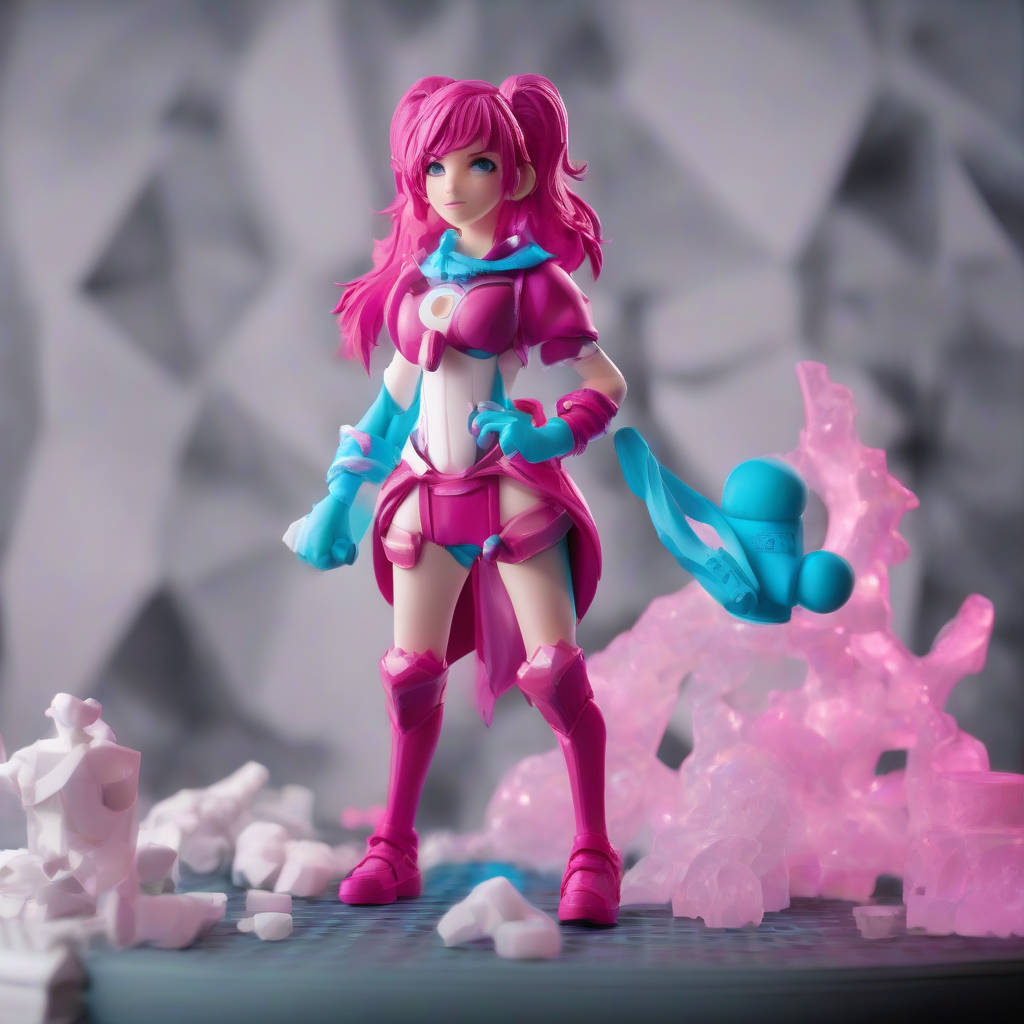
Introduction to VTuber Cosplay
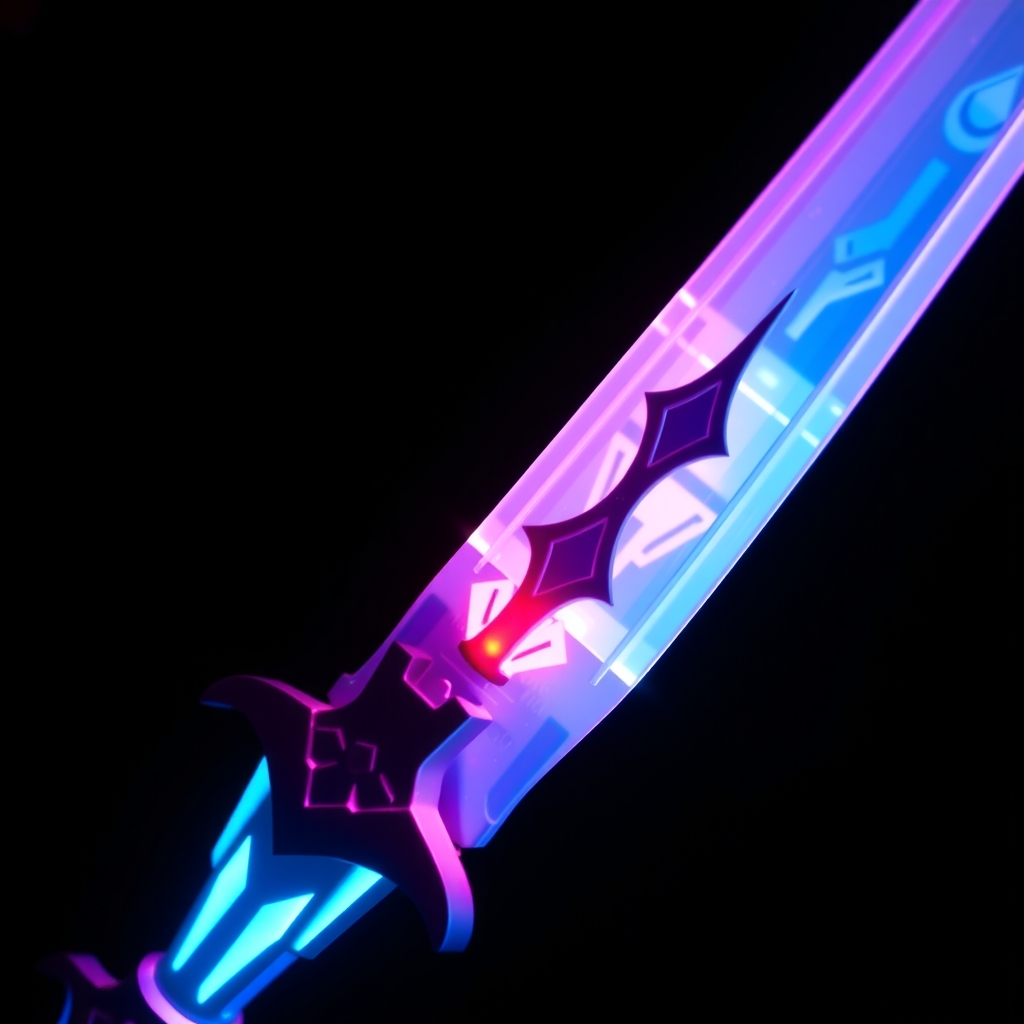
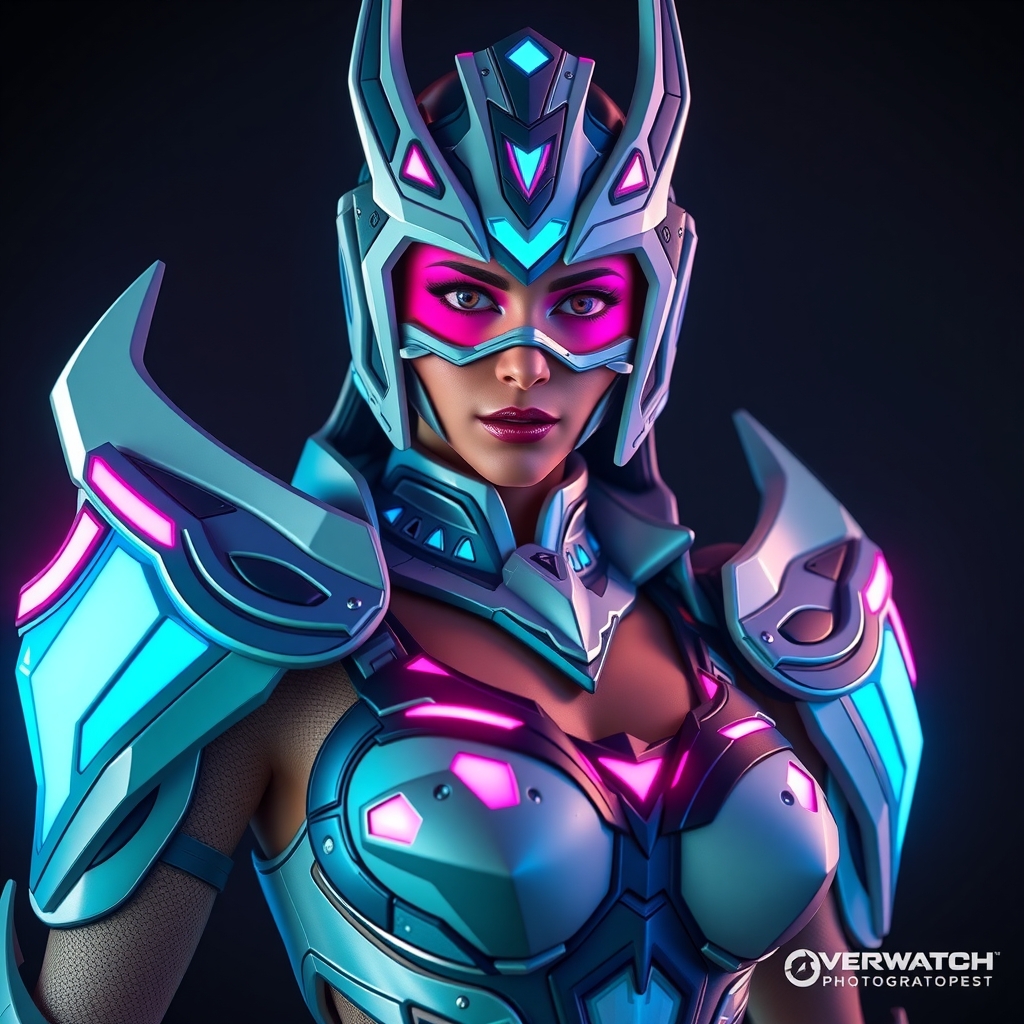
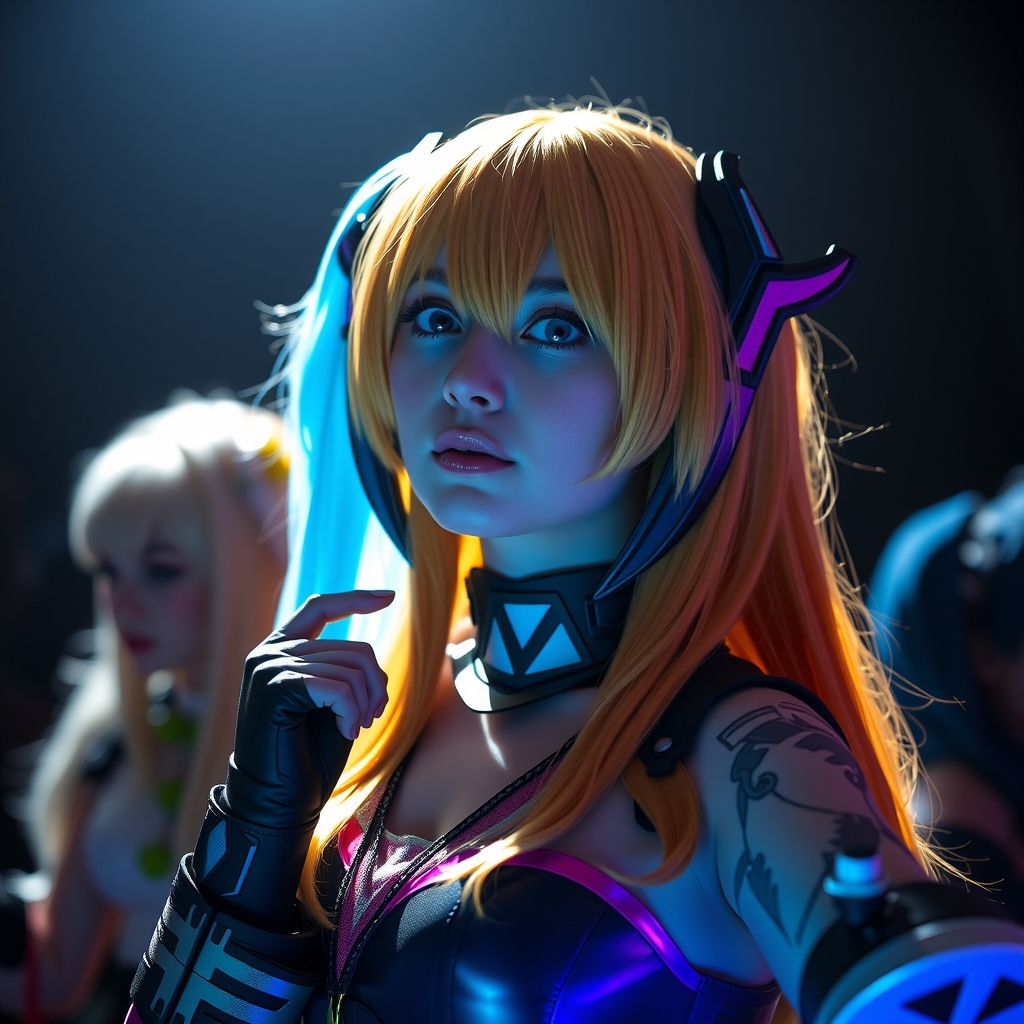
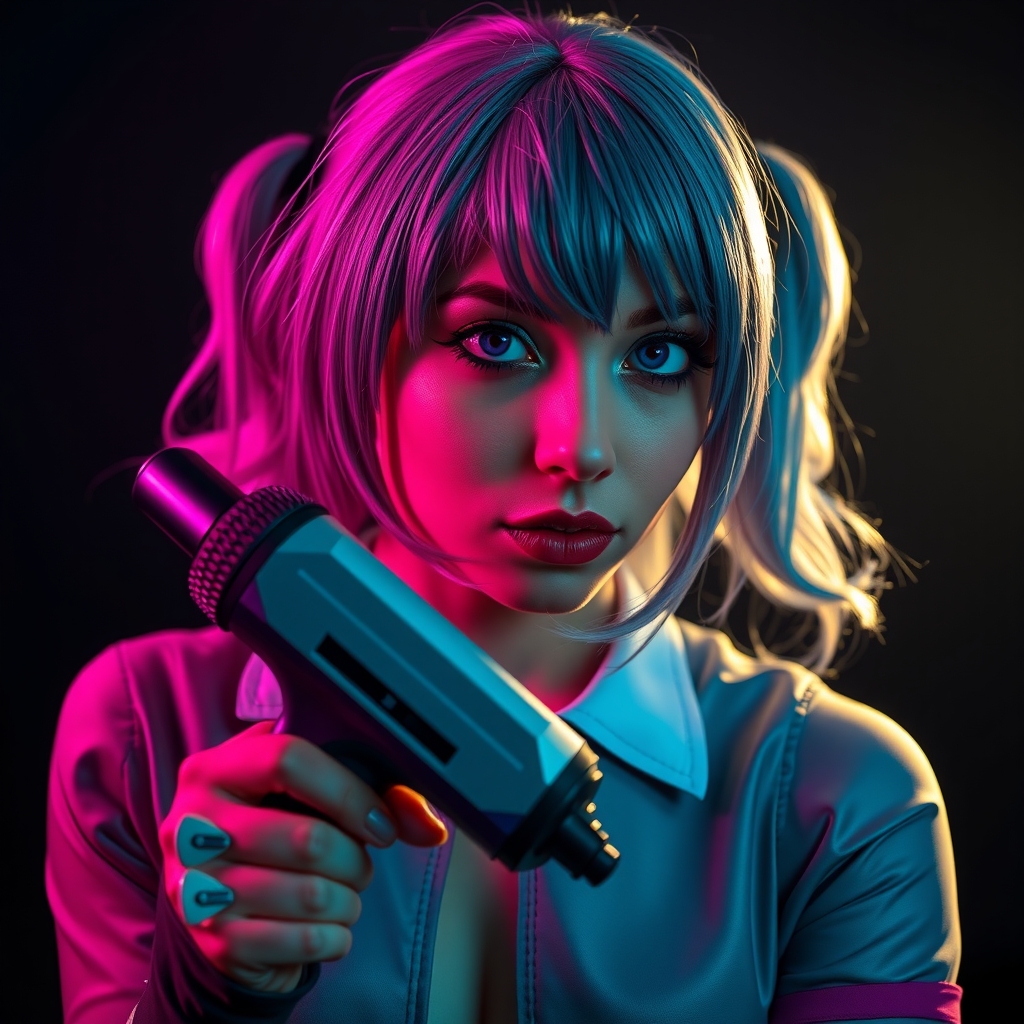
VTubers, short for virtual YouTubers, have taken the world of online entertainment by storm. These digital avatars, often created using 3D modeling software, have gained massive followings and inspired a new wave of creative cosplay. As a cosplayer, bringing a VTuber character to life can be a fun and rewarding experience, but it requires some technical expertise. In this guide, we'll walk you through the process of creating 3D printed and resin VTuber character models, perfect for cosplay.
Designing Your VTuber Character Model
Before you start 3D printing or resin casting, you need a digital model of your VTuber character. You can either create your own model using software like Blender or Maya, or commission a 3D artist to design one for you. If you're new to 3D modeling, consider starting with a pre-made model and modifying it to fit your character's design.
When designing your model, keep in mind the following factors:
- Polygon count: A lower polygon count can make the model easier to print and cast, but may compromise on details.
- Scale: Ensure your model is proportional to the intended cosplay prop or costume.
- Details: Consider adding intricate details, such as textures or small features, to make your model more realistic.
Preparing Your Model for 3D Printing
Once you have your digital model, you'll need to prepare it for 3D printing. This involves:
- Exporting your model in a compatible file format (e.g., STL or OBJ).
- Scaling and orienting the model for optimal printing.
- Adding supports or rafts to prevent warping or detachment during printing.
You can use software like Slic3r or Cura to prepare your model and generate G-code for your 3D printer.
3D Printing Your VTuber Character Model
With your model prepared, it's time to start 3D printing. Choose a suitable printing material, such as PLA or ABS, and adjust your printer settings accordingly. Keep in mind that:
- Layer height and infill density can affect the model's texture and durability.
- Printing speed and temperature can impact the print quality and time.
Monitor your print and make adjustments as needed to ensure a successful print.
Resin Casting Your VTuber Character Model
Resin casting can produce highly detailed and smooth models, but requires some additional steps:
- Creating a mold or master model for casting.
- Mixing and pouring resin into the mold.
- Curing and post-curing the resin to achieve the desired finish.
When working with resin, ensure proper safety precautions, such as wearing gloves and working in a well-ventilated area.
Finishing Touches: Painting and Assembly
Once you have your 3D printed or resin model, it's time to add the finishing touches. This may involve:
- Painting and applying textures to achieve a realistic look.
- Assembling multiple parts or adding small details.
- Sealing the model with a clear coat or varnish.
Take your time and be patient, as these final steps can make or break the overall appearance of your VTuber character model.
Conclusion and Resources
Crafting a 3D printed or resin VTuber character model for cosplay requires patience, creativity, and technical skills. With practice and experience, you can create stunning models that bring your favorite VTubers to life. For further guidance and inspiration, explore online communities, such as:
- VTuber forums and Discord servers.
- 3D modeling and printing communities (e.g., Reddit's r/3DPrinting).
- Cosplay social media platforms (e.g., Instagram and TikTok).
Happy crafting, and don't hesitate to share your VTuber cosplay creations with the world!