Introduction to Retro Revival
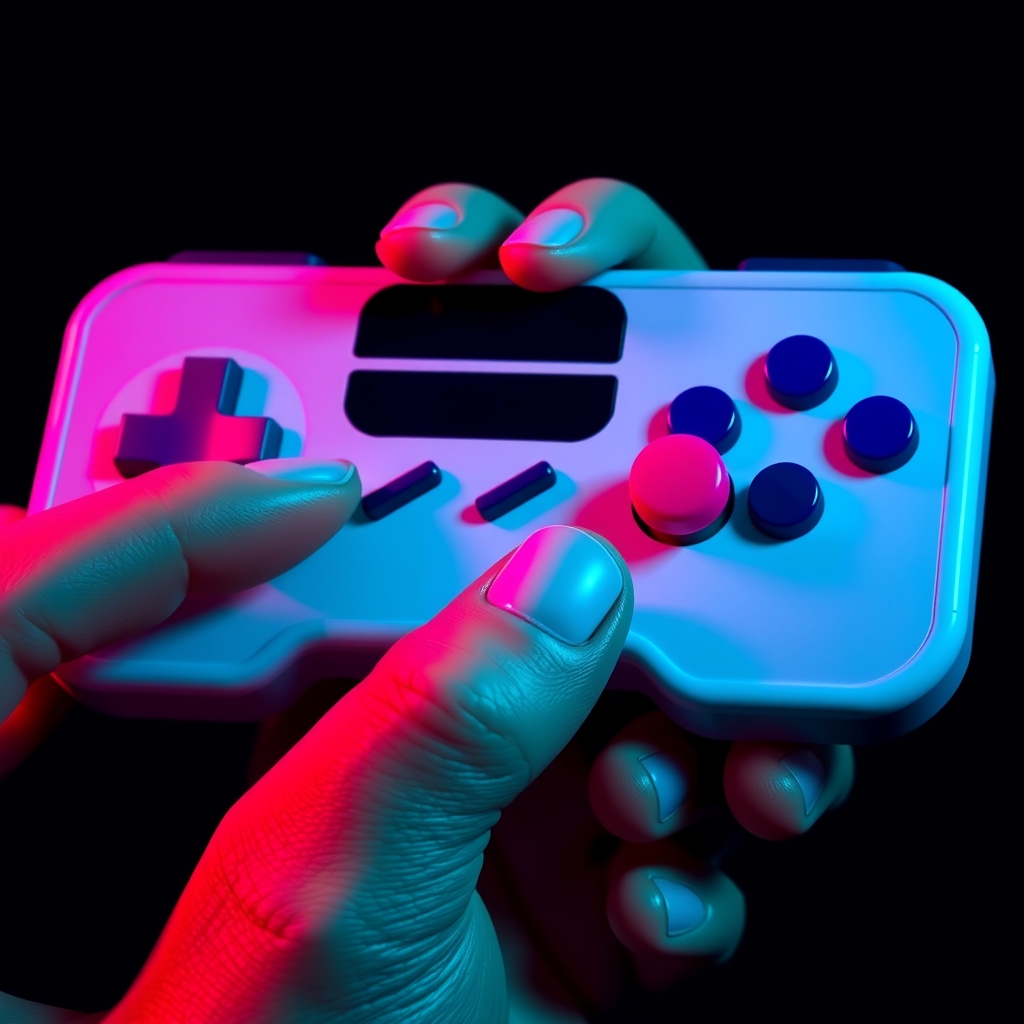
For cosplayers and gamers alike, retro video game controllers hold a special charm. The tactile experience of pressing buttons, moving joysticks, and nostalgic design elements evoke memories of childhood gaming sessions. With advancements in 3D printing and painting techniques, recreating these classic controllers has become more accessible than ever. In this guide, we'll walk you through the process of designing, 3D printing, and painting retro console controllers for cosplay, display, or gaming.
Choosing Your Retro Controller
With numerous classic consoles and controllers to choose from, selecting the right one for your project can be overwhelming. Consider the following factors:
- Iconic design: Choose a controller with a distinctive design that will be easily recognizable.
- Personal significance: Select a controller associated with your favorite childhood game or console.
- Complexity: If you're new to 3D printing and painting, consider starting with a simpler design.
Popular options include the original NES controller, SNES controller, Game Boy, and Sega Genesis controller.
Designing Your Controller Model
To create a accurate replica, you'll need a 3D model of your chosen controller. You can:
- Find existing models online: Websites like Thingiverse, MyMiniFactory, and GrabCAD often host user-created 3D models of retro controllers.
- Create your own model: Use 3D modeling software like Blender or Tinkercad to design your controller from scratch.
- Modify an existing model: Adjust and refine an existing model to better suit your needs.
Ensure your model is optimized for 3D printing, taking into account factors like layer thickness, infill density, and support material.
3D Printing Your Controller
With your 3D model ready, it's time to print your controller. Follow these best practices:
- Choose the right material: PLA, ABS, or PETG are popular choices for 3D printing, each with their own strengths and weaknesses.
- Select suitable print settings: Adjust layer thickness, infill density, and print speed to achieve the desired balance between quality and print time.
- Use support material wisely: Add support material as needed to prevent sagging or collapsing of overhanging features.
Post-processing techniques like sanding and filling can help smooth out layer lines and imperfections.
Painting and Finishing Your Controller
To achieve an authentic look, you'll need to paint and finish your controller. Follow these steps:
- Prime your model: Apply a coat of primer to create a uniform base coat.
- Choose the right paints: Acrylic or enamel paints are suitable for most plastic materials.
- Apply paint and weathering effects: Use a combination of brush painting and airbrushing to achieve a realistic finish.
- Seal with a clear coat: Apply a clear coat to protect your paint job and give it a glossy finish.
Weathering techniques like drybrushing, washes, and decals can add depth and character to your controller.
Adding Electronics and Final Assembly
To make your controller functional, you may need to add electronics like buttons, joysticks, and PCBs. Consider the following:
- Source replacement parts: Find compatible parts online or salvage them from old controllers.
- Wiring and soldering: Connect your electronics using wire and soldering techniques.
- Final assembly: Assemble your controller, ensuring all components fit together smoothly.
Test your controller to ensure it's functional and responsive.
Conclusion and Tips
Recreating retro video game controllers with 3D printing and painting requires patience, attention to detail, and practice. Don't be afraid to experiment and try new techniques. Join online communities, forums, and social media groups to share your work and learn from others.
Some final tips:
- Research and reference: Gather reference images and study the design of your chosen controller.
- Test and iterate: Test your controller as you go, making adjustments and improvements along the way.
- Have fun: Enjoy the process of creating something unique and nostalgic.