Introduction to Netrunner Interface Prop
In the immersive world of Cyberpunk 2077, the Netrunner is a unique and fascinating character class that navigates the virtual realms with ease. A crucial part of the Netrunner's arsenal is their interface prop, which serves as a tool to access and control the cyber world. In this tutorial, we'll guide you through the process of crafting a glow-in-the-dark Netrunner interface prop using a combination of painting, circuitry, and crafting techniques.
Materials and Tools Needed
- 3D printed or laser-cut prop base (or a DIY equivalent)
- Glow-in-the-dark paint (acrylic or enamel)
- Circuitry components (LEDs, resistors, battery pack, and wiring)
- Hot glue gun and glue sticks
- Paintbrushes and palette
- Wire strippers and pliers
- Electrical tape and/or heat shrink tubing
Designing the Netrunner Interface
Before diving into the crafting process, it's essential to have a clear design concept for your Netrunner interface prop. Study reference images from the game and take note of the shapes, lines, and glowing elements. You can also experiment with different materials and techniques to achieve the desired look. For a more realistic effect, consider adding texture and depth to your design.
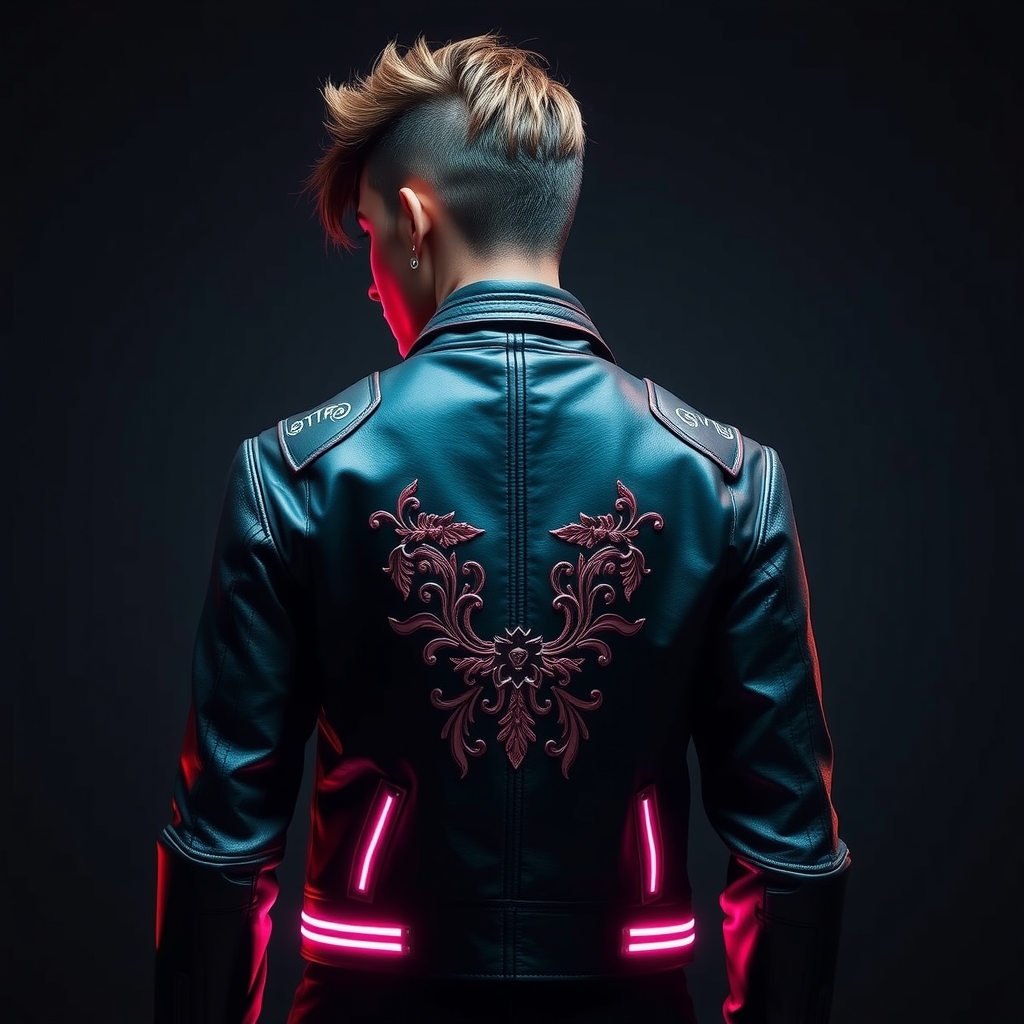
For our example, we'll focus on creating a sleek and futuristic interface with glowing accents. We'll use a combination of 3D printing and painting to achieve the desired shape and color scheme.
Preparing the Prop Base
If you're using a 3D printed or laser-cut prop base, make sure to clean and assemble it according to the manufacturer's instructions. If you're DIY-ing the base, use a suitable material like Worbla, resin, or cardboard, and shape it to fit your design.
Once the base is ready, apply a coat of primer and paint to achieve the desired color and finish. For a metallic look, use a combination of metallic paint and weathering techniques.
Adding Glow-in-the-Dark Accents
Glow-in-the-dark paint is a crucial element in creating an authentic Netrunner interface prop. Apply the paint to the designated areas using a small brush, making sure to follow the manufacturer's instructions for application and drying times.
For a more vibrant glow, consider layering multiple coats of paint or using a paint with a high glow rating. You can also experiment with different brush techniques and patterns to achieve a unique effect.
Integrating Circuitry and LEDs
To bring your Netrunner interface to life, we'll add some circuitry and LEDs. This will require some basic knowledge of electronics and wiring. If you're new to circuitry, consider consulting online resources or tutorials for guidance.
Start by planning your circuitry layout and determining the placement of your LEDs, resistors, and battery pack. Use hot glue to secure the components in place, and wire them according to your design.
Make sure to use suitable materials and follow proper safety precautions when working with electronics. For a more durable and reliable connection, use electrical tape or heat shrink tubing to protect your wiring.
Final Assembly and Tips
Once you've completed the circuitry and glow-in-the-dark accents, assemble the prop and make any necessary adjustments. Apply a clear coat of varnish to protect the paint and give the prop a glossy finish.
To enhance the overall effect, consider adding some weathering or wear and tear to the prop. This can be achieved using techniques like drybrushing, washes, or applying decals.
When wearing the prop, make sure to handle it with care and follow proper safety precautions to avoid damage or injury.
Conclusion and Variations
Crafting a glow-in-the-dark Netrunner interface prop is a fun and rewarding experience that requires creativity, patience, and some technical skills. By following this tutorial, you can create a mesmerizing prop that will elevate your Cyberpunk 2077 cosplay to the next level.
Feel free to experiment with different materials, techniques, and designs to create a unique Netrunner interface prop that reflects your personality and style. Happy crafting!