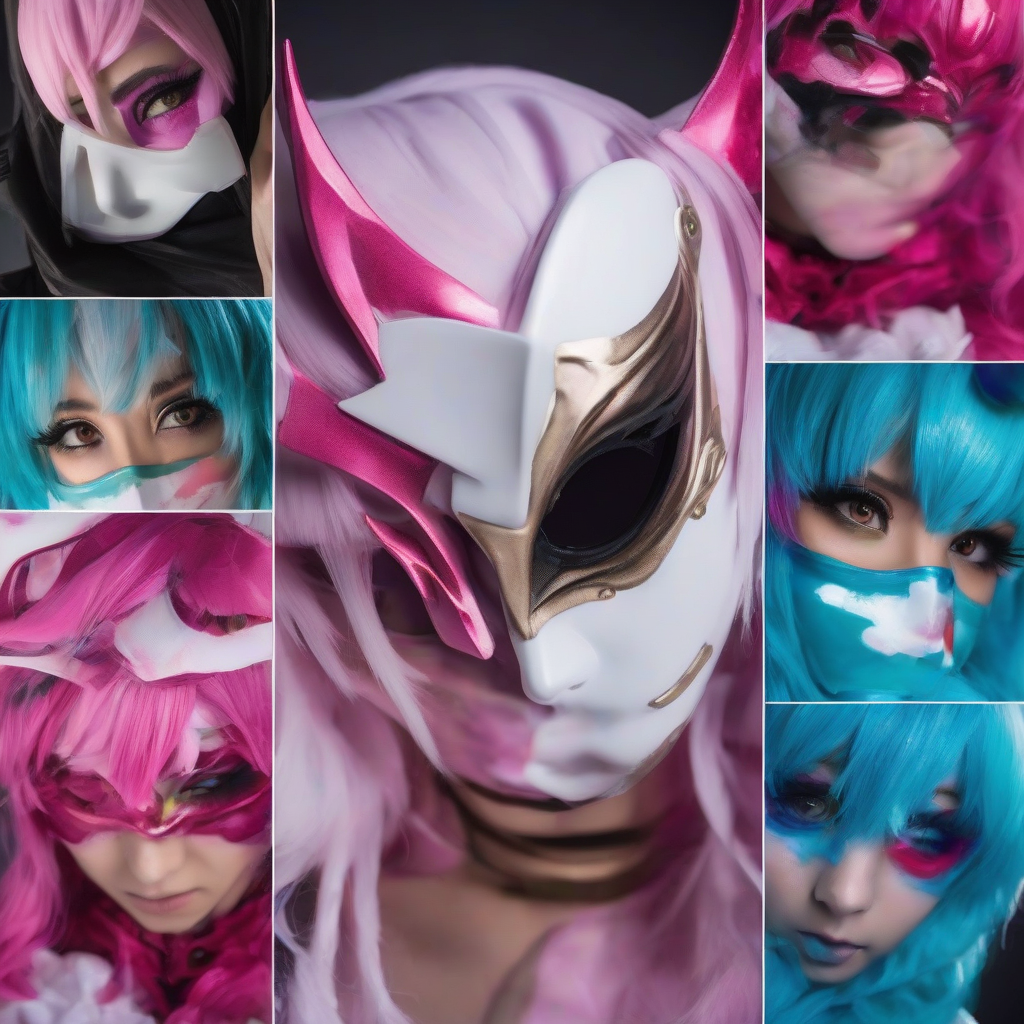
Introduction to Elemental Vision Effects
In the world of Genshin Impact, Elemental Vision is a unique ability that allows characters to perceive and interact with the environment in various ways. The Geo Element, in particular, is known for its striking visual effects, which can be replicated using LED lights and acrylic for a captivating cosplay prop. In this guide, we will walk you through the process of crafting Geo Elemental Vision effects, providing you with a comprehensive understanding of the materials and techniques required.
Materials and Tools Needed
- LED lights (color temperature: 6500K-7500K)
- Acrylic sheets (transparency: 50-70%)
- Acrylic adhesive (compatible with LED lights and acrylic)
- Wire (20-22 AWG)
- Microcontroller or LED driver
- Power source (batteries or USB rechargeable)
- Switch or button
- Electrical tape or hot glue gun
- Paint and paintbrushes (optional)
Designing the Geo Elemental Vision Effect
To create a realistic Geo Elemental Vision effect, it's essential to study reference images from the game. Observe the color palette, light patterns, and overall aesthetic. For the Geo Element, focus on a predominantly orange and yellow color scheme with a crystalline structure.
Sketch your design concept, considering the size, shape, and layout of the LED lights and acrylic components. You can choose to create a handheld prop or a wearable piece, depending on your preference.
Crafting the Acrylic Components
Cut the acrylic sheets into desired shapes and sizes using a laser cutter or a craft knife. For a more realistic crystalline structure, you can use a template or create a stencil to achieve the desired pattern.
Use a drill press or a hand drill to create holes for the LED lights, if necessary. Sand the edges and surfaces to smooth out any rough spots.
Creating the LED Light Circuit
Plan the LED light circuit, taking into account the power source, microcontroller or LED driver, and switch or button. Use a breadboard or a PCB to prototype the circuit.
Connect the LED lights to the circuit, ensuring proper polarity and current limiting. You can use a series or parallel circuit configuration, depending on your design.
Assembling the Geo Elemental Vision Prop
Apply the acrylic adhesive to the acrylic components and attach them to the LED light circuit. Use electrical tape or a hot glue gun to secure the wires and components.
If desired, add paint and paintbrushes to enhance the color and texture of the prop. Apply a clear coat to protect the paint and acrylic.
Adding Power and Control
Connect the power source to the circuit, ensuring proper voltage and current supply. Add a switch or button to control the LED lights.
Test the prop to ensure it's working as intended. You can adjust the brightness and color temperature of the LED lights to achieve the desired effect.
Conclusion and Tips
Crafting Genshin Impact's Geo Elemental Vision effects with LED lights and acrylic requires patience, creativity, and attention to detail. By following this guide, you can create a stunning cosplay prop that showcases your skills and dedication.
To enhance your prop, consider adding interactive elements, such as sensors or programmable microcontrollers. Experiment with different materials and techniques to achieve unique textures and effects.
Share your creations with the cosplay community, and don't hesitate to seek feedback and inspiration from fellow crafters and enthusiasts.