Understanding Pixel Art Basics
Pixel art is a digital art style that originated in the early days of video games. It's characterized by its use of small, square pixels to create images. When it comes to cosplay, pixel art can be used to create wearable designs that are reminiscent of classic video games. To get started with creating pixel art cosplay, it's essential to understand the basics of pixel art. Pixel art typically involves using a limited color palette and a small resolution to create images. This can be achieved using digital art software such as Adobe Photoshop or Aseprite. When creating pixel art, it's crucial to work at a small scale, typically 16x16 or 32x32 pixels, to achieve the desired level of detail.Choosing the Right Materials
When it comes to translating pixel art into wearable cosplay, the right materials are essential. Here are some materials that can be used to create pixel art cosplay:- Fabric paint or markers: These can be used to create pixel art designs on fabric, such as t-shirts or hoodies.
- Heat transfer vinyl: This can be used to create pixel art designs on fabric, such as t-shirts or accessories.
- EVA foam or Worbla: These materials can be used to create 3D pixel art designs, such as accessories or props.
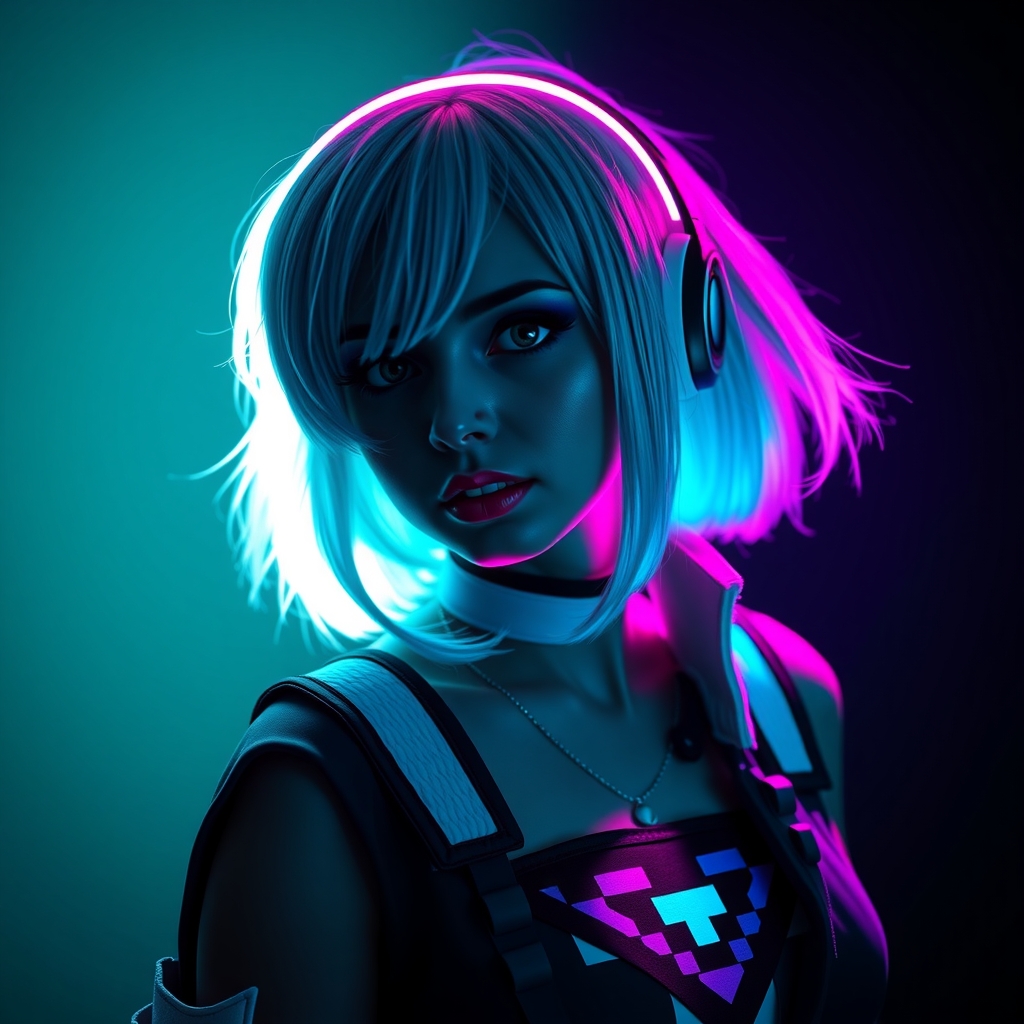
- LED lights: These can be used to create glowing pixel art effects, such as on a pixel art-inspired costume.
Designing Your Pixel Art Cosplay
When designing your pixel art cosplay, there are several things to consider. Here are some tips to get you started:Start by choosing a video game or character that inspires you. Look at the game's graphics and identify the pixel art elements that you like the most. You can then use these elements as inspiration for your cosplay design.
Use digital art software to create a pixel art design concept. This will allow you to experiment with different colors and designs until you find one that works.
Consider the materials and techniques you will use to bring your design to life. Think about how you will translate your 2D design into a 3D wearable piece.
Creating a Pixel Art Pattern
Once you have a design concept, it's time to create a pixel art pattern. This will involve breaking down your design into individual pixels and creating a pattern that can be used to guide your crafting. Here are some steps to follow:- Choose a grid size: Decide on the size of your grid, typically 16x16 or 32x32 pixels.
- Create a pixel art template: Use digital art software to create a template with the correct grid size and pixel art style.
- Design your pattern: Use the template to create a pixel art pattern that can be used to guide your crafting.
Bringing Your Design to Life
Once you have a pixel art pattern, it's time to bring your design to life. Here are some tips for crafting your pixel art cosplay:Use your pattern to guide your crafting. This will ensure that your design is accurate and consistent.
Experiment with different materials and techniques. Don't be afraid to try new things and make mistakes.
Pay attention to detail. Pixel art is all about the details, so make sure to take your time and get it right.
Tips and Tricks
Here are some additional tips and tricks to help you create amazing pixel art cosplay:- Use reference images: Collect reference images of the video game or character that inspires your cosplay.
- Practice, practice, practice: Don't be discouraged if your first attempts at pixel art cosplay don't turn out perfectly. Practice makes perfect!
- Join a community: Connect with other cosplayers and crafters who share your interests. This can be a great way to learn new skills and get feedback on your work.