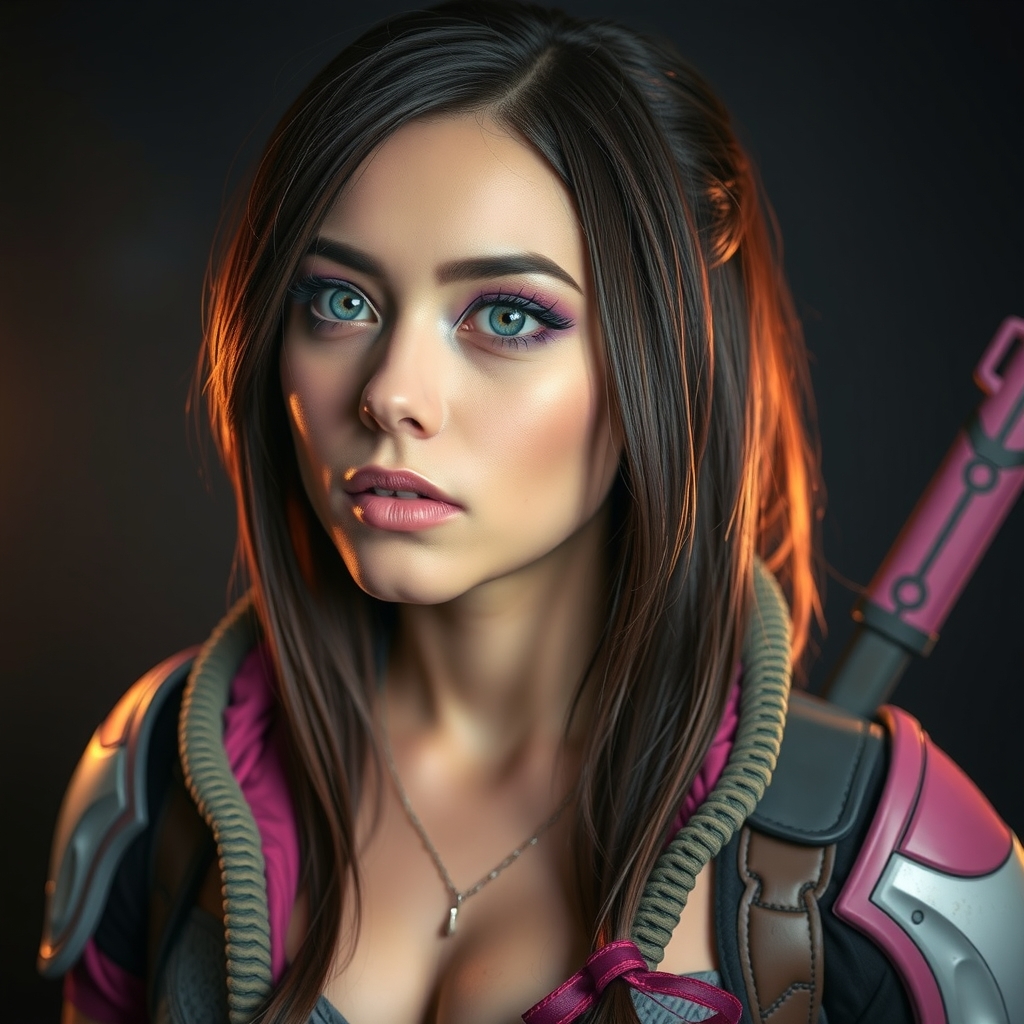
Introduction to Hyper-Realistic Textures in Cosplay
As cosplayers, we're constantly striving to push the boundaries of realism and detail in our craft. One of the most effective ways to achieve this is by incorporating hyper-realistic textures into our props and costumes. Video games have long been a source of inspiration for cosplayers, with their richly detailed environments and characters. In this tutorial, we'll explore how to bring these textures to life using Liquitex and airbrush techniques.
Materials and Preparation
Before we begin, make sure you have the following materials on hand:
- Liquitex mediums (matte, gloss, and texture paste)
- Acrylic paints
- Airbrush and compressor
- Prop or costume piece to texture
- Reference images
It's essential to prepare your surface properly before applying textures. Ensure your prop or costume piece is clean, dry, and free of any debris. If necessary, prime the surface with a coat of gesso or acrylic paint to create a smooth base for your textures.
Choosing Your Texture Reference
Reference images are crucial when creating hyper-realistic textures. Collect a variety of images showcasing the texture you want to replicate, taken from different angles and lighting conditions. Study the texture's patterns, colors, and details. This will help you better understand the texture's composition and how to achieve it.
Creating Texture with Liquitex
Liquitex offers a range of mediums that can be used to create different textures. For this tutorial, we'll focus on using texture paste and matte medium.
Applying Texture Paste
Texture paste can be applied using a palette knife or a textured tool. Mix the paste with a small amount of acrylic paint to tint the texture, if desired. Apply the paste to your surface in smooth, even strokes, building up layers to achieve the desired texture.
Adding Dimension with Matte Medium
Matte medium can be used to add depth and dimension to your texture. Mix the medium with acrylic paint to create a thin, transparent coat. Apply this mixture over your texture, allowing it to dry completely before adding additional layers.
Airbrushing: Enhancing and Blending Textures
Once you've achieved your desired texture using Liquitex, it's time to enhance and blend the texture using an airbrush.
Airbrush Techniques for Texture
There are several airbrush techniques you can use to enhance your textures:
- Stippling: Create a textured, speckled effect by rapidly moving the airbrush in a small, circular motion.
- Washes: Use a light coat of transparent paint to blend and merge different texture areas.
- Highlighting: Apply a fine line of highlight color to raised texture areas, creating a sense of depth and dimension.
Tips for Achieving Realistic Texture Transitions
To achieve seamless texture transitions, use gentle, sweeping motions with your airbrush. Gradually build up color and texture, allowing each layer to dry before adding the next. This will help prevent harsh lines and abrupt changes in texture.
Conclusion and Troubleshooting
Creating hyper-realistic video game textures for cosplay requires patience, practice, and attention to detail. By combining Liquitex and airbrush techniques, you can achieve stunning, realistic textures that elevate your cosplay props and costumes.
Common issues and solutions:
- Texture not adhering: Check surface preparation and ensure Liquitex mediums are fully dry.
- Airbrush streaks: Adjust air pressure, nozzle distance, or use a smaller nozzle.
- Texture too uniform: Vary texture paste application and airbrush techniques to achieve more organic results.
For further inspiration and technique exploration, consider visiting online cosplay communities, YouTube tutorials, and prop-making forums.