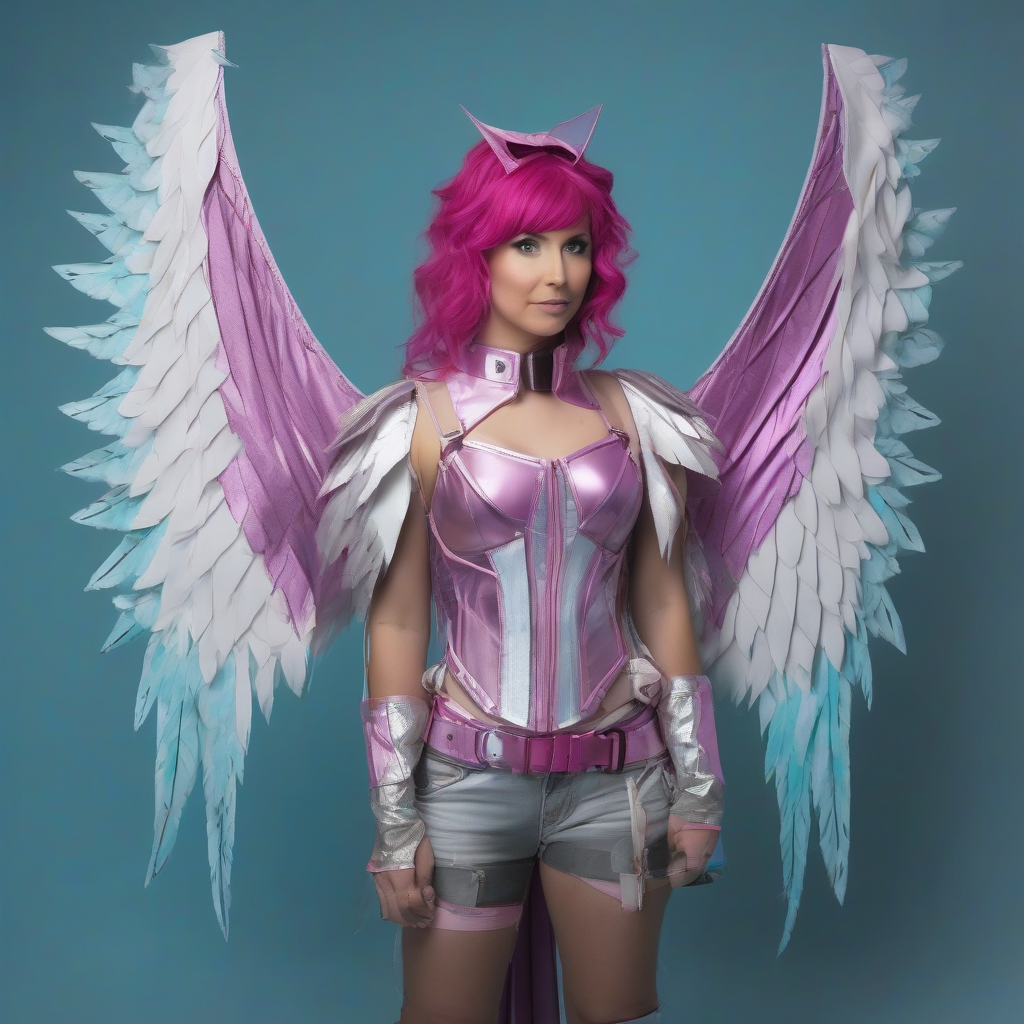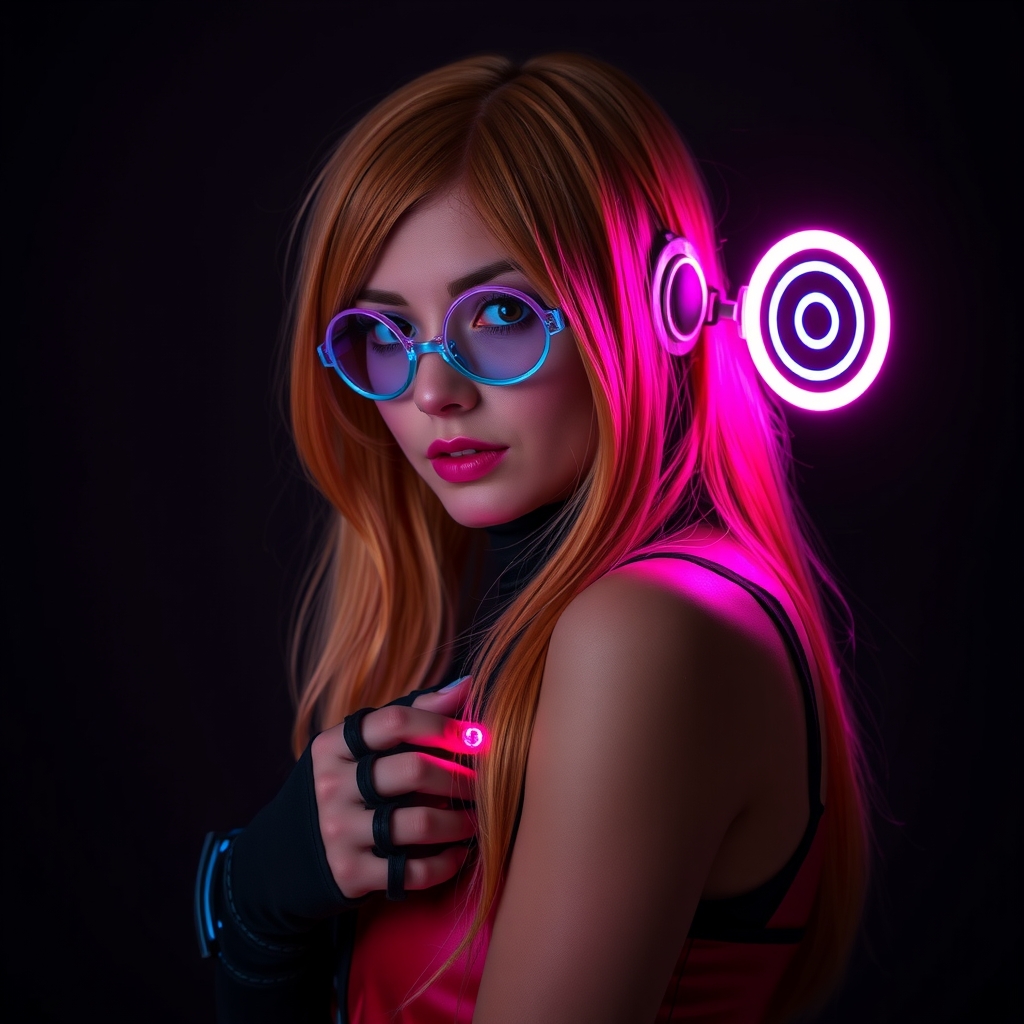
The gap between a high-fidelity costume and a cinematic character often lies in the "special effects." While traditional fabric and foam provide the structure, interactive elements like pulsing lights and shifting textures create the illusion of power, magic, or futuristic technology. Integrating LED systems and projection mapping allows a cosplayer to transition from a static display to an immersive experience that reacts to the environment or a timed sequence.
Planning Your Interactive Blueprint
Before purchasing components, you must determine the "trigger" and the "output." An interactive costume is essentially a circuit: an input (like a button press, a timer, or a sensor) tells a controller to execute an output (a light flash or a video loop). When combining LEDs and projection, the primary challenge is power management and synchronization.
Start by mapping out your "hot zones"—the areas of the costume where visual effects will be most prominent. If you are using projection mapping, you need a surface that is both stable and reflective. If you are using LEDs, you need to plan your wiring channels within the foam or fabric to avoid unsightly lumps or accidental wire snaps during movement.
Choosing the Right LED Architecture
Not all LEDs are created equal. For simple glows, standard 5V LEDs are sufficient. However, for interactive effects, you should utilize addressable LEDs (such as WS2812B or SK6812). Addressable LEDs allow you to control every single diode individually, enabling you to create chasing patterns, rainbows, or "loading" bars that move across your armor.
To control these, a microcontroller is essential. Options range from simple Arduino boards to more powerful ESP32 chips, which allow for wireless control via a smartphone. This is particularly useful for "scene" changes where you want your costume to shift colors based on the mood of the performance without reaching for a hidden switch.
Mastering Projection Mapping on Wearables
Projection mapping is the process of mapping a video onto a non-flat surface to create an optical illusion. In cosplay, this typically involves projecting a digital overlay onto a white or light-gray section of the costume. While traditionally used for buildings, "wearable mapping" is possible with a fixed projection point or a synchronized mobile projector.
Surface Preparation for Projection
The success of a projection depends entirely on the "canvas." Dark fabrics absorb light, rendering projections invisible. To make your costume projection-ready, use a high-gain white fabric or a specialized projection paint on your armor. Ensure the surface is matte; a glossy finish will create "hot spots" or glare that breaks the illusion for the audience.
Aligning the Visuals
Using software like MadMapper or Resolume, you can "warp" your video content to fit the specific contours of your prop or armor. Instead of a flat rectangle, you can mask the projection so the light only hits the "power core" of your chest piece, leaving the rest of the costume in shadow. This creates the appearance that the costume itself is emitting the light rather than an external projector.
Synchronizing Light and Image
The true magic happens when the LEDs and the projection work in tandem. For example, if a projected "energy blast" moves from your shoulder to your palm, the LEDs in your gauntlet should ignite exactly as the projection reaches that point.
The Master Clock Approach
To achieve this, use a master clock or a synchronized trigger. Many creators use a single controller that sends a signal to both the LED strip and the playback software of the projector. If you are performing on a stage, a simple MIDI trigger can launch the video file and the LED sequence simultaneously.
Creating Visual Harmony
Avoid "visual noise" by coordinating your color palettes. If your projection is a deep violet, ensure your LEDs are tuned to the same hex code. Using contrasting colors (like neon green LEDs against a blue projection) can be effective for certain characters, but generally, a unified color scheme makes the interaction feel like a cohesive part of the character's design rather than two separate gadgets.
Practical Wiring and Power Solutions
Interactive cosplays are power-hungry. A common mistake is relying on a single 9V battery, which will drain rapidly under the load of addressable LEDs. For stability, use high-capacity Lithium Polymer (LiPo) batteries or USB power banks with a steady 5V output.
- Wire Management: Use silicone-coated wire; it is significantly more flexible than PVC-coated wire and is less likely to break when you bend your joints.
- Strain Relief: Every point where a wire enters a piece of armor should be reinforced with heat-shrink tubing or a small drop of hot glue to prevent the wire from being pulled out of the solder joint.
- Ventilation: LEDs and microcontrollers generate heat. If you are embedding these into foam, ensure there are small ventilation holes to allow heat to escape, preventing the foam from softening or the electronics from overheating.
Testing and Troubleshooting in the Field
A costume that works in a dark bedroom may fail in a bright convention hall. Lighting is the enemy of both LEDs and projections. To combat this, increase the luminosity of your LEDs and use the highest lumen projector available for your setup.
- The "Walk-Through" Test: Put on the full costume and perform your movements. Check if the projection "slips" off the armor when you move your arms. If it does, you may need to limit your range of motion or adjust the projection angle.
- Battery Stress Test: Run your interactive sequences on a loop for two hours to see how long your batteries actually last. Always carry spare power banks.
- Fail-Safe Mode: Program a "static" mode into your LEDs. If the controller crashes or the projection fails, having a simple, steady glow ensures your costume still looks complete and polished.
Expanding the Interaction
Once you have mastered the basics, consider adding sensors to make the costume truly interactive. Accelerometers can trigger a light flash when you punch or swing a weapon, while ultrasonic sensors can make your armor "pulse" when someone walks close to you. By blending the physical craft of cosplay with the digital precision of projection and lighting, you transform your costume from a garment into a living piece of performance art.