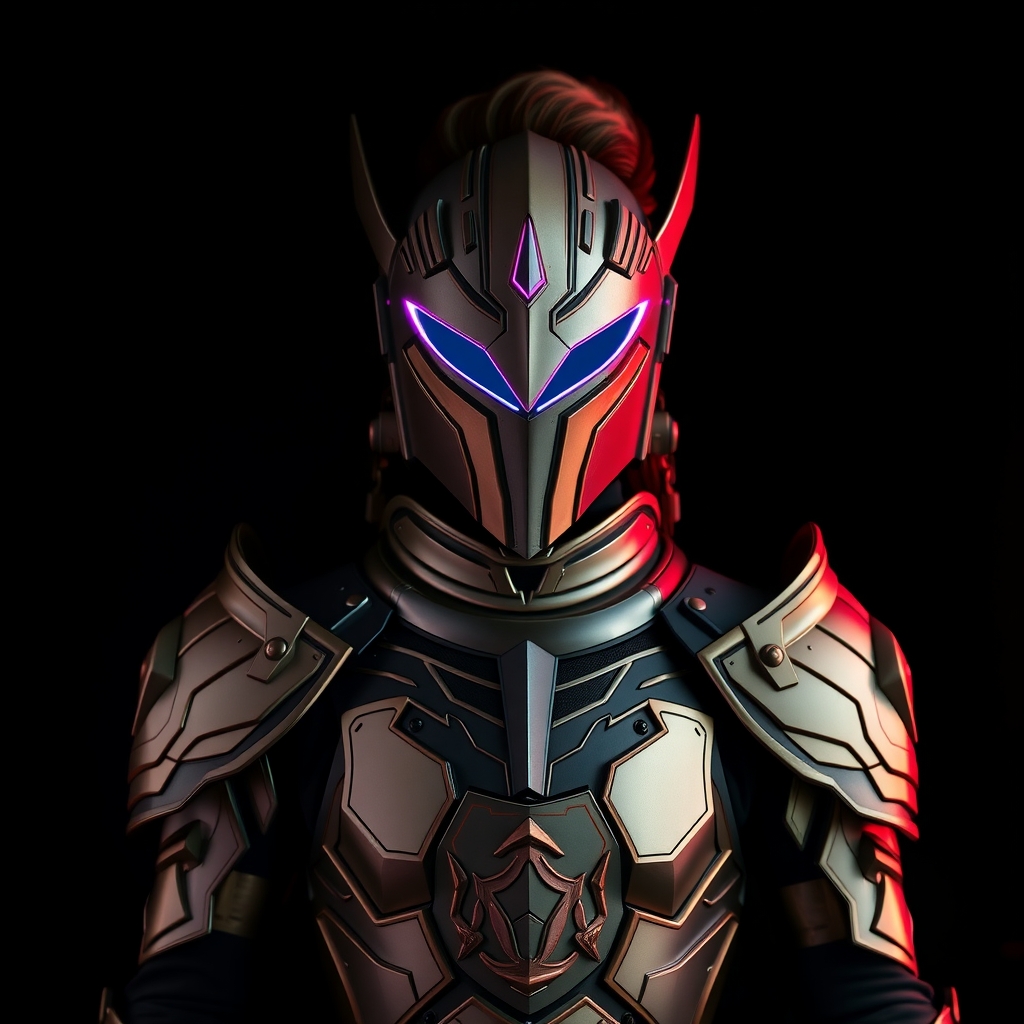
The aesthetic of Night City is defined by a clash of high-technology and urban decay. In Cyberpunk: Edgerunners, the character clothing reflects this duality, blending utilitarian silhouettes with bold, corporate, or street-gang branding. For cosplayers, the challenge lies in replicating the specific, crisp graphic prints found on these shirts without needing industrial-grade screen printing equipment.
Whether you are recreating David’s oversized yellow jacket accents or the specific corporate logos found on background NPCs, the key is selecting a printing method that balances durability with the "worn-in" look of a dystopian future. This guide explores the most effective DIY methods for adding high-contrast graphics to fabric.
Selecting the Right Base Fabric
Before applying any print, you must choose a fabric that can withstand the heat and chemicals of the transfer process. The "Cyberpunk" look typically relies on heavy cottons, synthetic blends, or technical fabrics.
- Heavyweight Cotton: Ideal for t-shirts and oversized tees. Cotton absorbs dyes well and provides a stable surface for heat-press transfers.
- Polyester Blends: Common in "techwear" styles. While these offer a more futuristic sheen, they require specific sublimation inks; otherwise, the print may peel or warp under high heat.
- Neoprene or Scuba: Used for more structured, futuristic silhouettes. These require low-temperature adhesives to avoid melting the fabric.
For the best results, pre-wash your fabric without fabric softener. Softeners leave a residue on the fibers that can prevent adhesives and inks from bonding, leading to premature cracking or peeling.
Method 1: Heat Transfer Vinyl (HTV) for Bold Logos
HTV is the gold standard for the sharp, clean lines seen in corporate branding within the Edgerunners universe. Because it is a physical layer of vinyl fused to the fabric, it provides a level of opacity and color saturation that ink cannot match.
The Process
- Design and Mirror: Create your graphic in a vector program. Crucially, mirror the image horizontally before cutting, as you will be applying the design face-down.
- Cutting: Use a digital cutting machine to carve the design out of the vinyl. Remove the "negative" space (weeding) so only the intended logo remains on the clear carrier sheet.
- Heat Application: Use a heat press or a household iron on the cotton setting. Apply firm, even pressure for 10 to 15 seconds.
- Peeling: Check if your vinyl is "hot peel" or "cold peel." Removing a hot-peel vinyl too late, or a cold-peel vinyl too early, can distort the edges of your graphic.
Pro Tip: To achieve a "distressed" look, lightly sand the surface of the vinyl with fine-grit sandpaper after it has cooled. This mimics the wear and tear of a garment lived-in by a mercenary in Night City.
Method 2: Inkjet Transfer Paper for Complex Art
When your design includes gradients, photographs, or intricate digital art that would be impossible to weed by hand, inkjet transfer paper is the most practical DIY solution. This method allows you to print directly from your home printer onto a specialized film.
Choosing Your Paper
Ensure you purchase the correct paper for your fabric color. "Light Fabric Transfer Paper" is transparent and works best on white or pale garments. "Dark Fabric Transfer Paper" is an opaque white film that allows colors to pop on black or navy fabrics, though it creates a visible "patch" on the garment.
Execution Steps
- Print Settings: Set your printer to "High Quality" or "Photo" mode. This ensures the ink is saturated enough to survive the transfer process.
- Positioning: Place the transfer carefully. Once the heat is applied, these prints are permanent and cannot be repositioned.
- Pressure: Use a heavy iron and move it in slow, overlapping circles. Ensure every millimeter of the design receives equal heat and pressure to avoid "bubbles" or void spots.
Method 3: Stenciling and Fabric Paint for Industrial Texture
For a more organic, "street" feel—such as gang tags or industrial warnings—stenciling with fabric paint provides a tactile quality that vinyl lacks. This method is particularly useful for adding weathered details to the edges of a shirt.
Creating the Stencil
Use adhesive vinyl or freezer paper to create your stencil. Freezer paper is a budget-friendly alternative; when ironed onto fabric, the plastic coating bonds temporarily, creating a crisp seal that prevents paint from bleeding under the edges.
Application Techniques
Avoid using a traditional paintbrush, which can leave streaks and cause "blobs" of paint. Instead, use a stippling brush or a dense sponge. Dab the paint onto the fabric in a vertical motion. This creates a porous, industrial texture that looks more like a factory-printed garment and less like a craft project.
Once the paint is dry, heat-set it according to the manufacturer's instructions (usually by ironing the reverse side of the fabric) to make the design laundry-safe.
Weathering Your Graphics for Authenticity
A pristine, bright-white logo often looks "too new" for the gritty world of Edgerunners. To integrate your prints into the cosplay, you must apply weathering techniques.
Mechanical Distressing
Use a wire brush or a coarse pumice stone to gently scrub the edges of your prints. Focus on high-wear areas: the collar, the cuffs, and the hem. This creates a natural-looking fade where the graphic would realistically wear away over time.
Chemical Aging
To dull the vibrancy of the colors, you can apply a very thin wash of watered-down acrylic paint in a neutral tone (such as burnt umber or grey). Apply the wash over the print and immediately wipe it away with a damp cloth. The pigment will remain in the creases and textures of the print, giving it a grimy, urban patina.
Maintaining Your DIY Apparel
DIY prints are more fragile than factory-made garments. To ensure your costume lasts through multiple conventions, follow these care guidelines:
- Wash Inside Out: This protects the print from rubbing against other garments or the agitator of the washing machine.
- Cold Water Only: High temperatures can reactivate the adhesives in HTV or cause inkjet transfers to crack.
- Air Dry: Avoid the dryer entirely. The intense heat of a tumble dryer is the primary cause of peeling and shrinking in DIY fabric prints.