Introduction to Projection Mapping
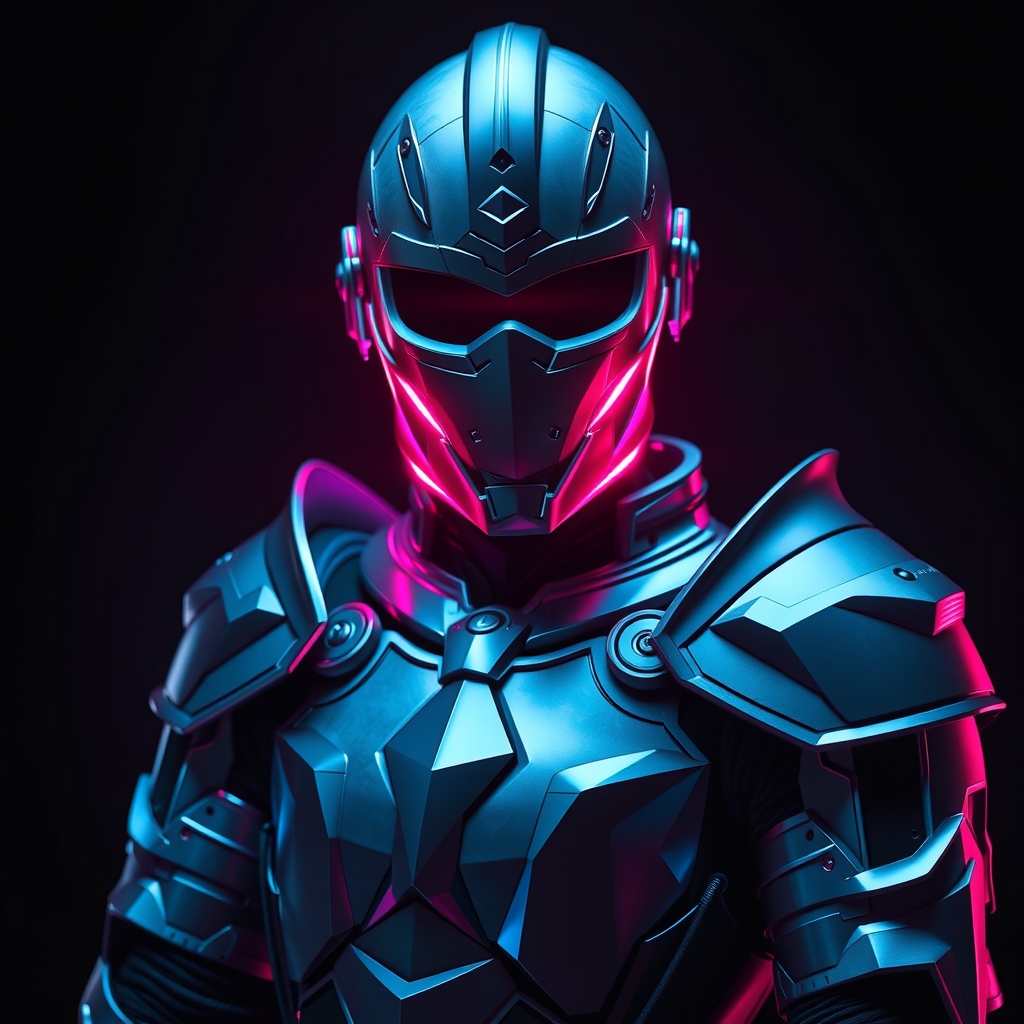
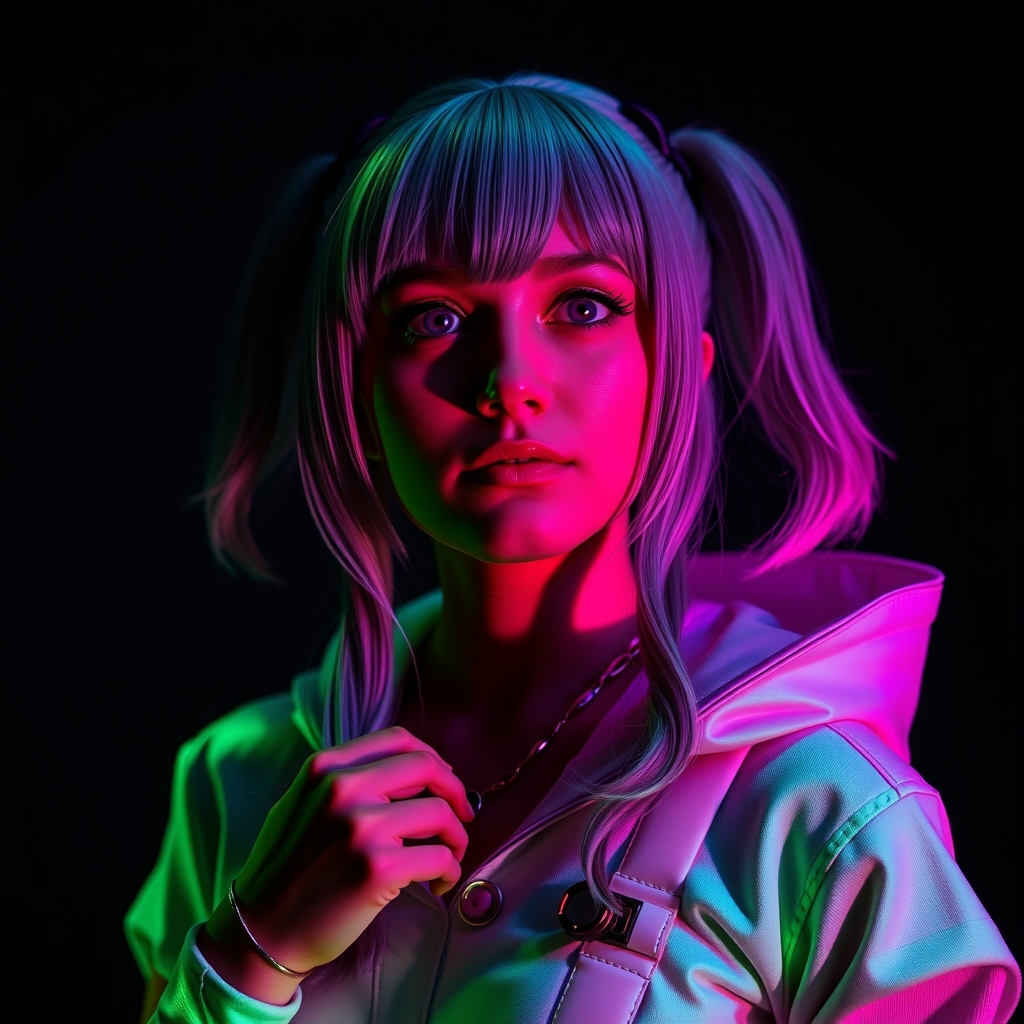
Projection mapping is a technology that allows you to project images or videos onto a surface, transforming it into a dynamic, interactive display. This technique has been used in various fields, including art, architecture, and entertainment. In the context of cosplay, projection mapping can be used to create immersive, interactive experiences that take your costume to the next level.
Basic Principles of Projection Mapping
Projection mapping works by projecting an image or video onto a surface, which is typically irregularly shaped. To achieve this, you'll need a few basic components:
- A projector: This can be a standard digital projector or a more specialized device, such as a laser projector.
- A computer or control device: This will be used to generate the images or videos that you'll be projecting.
- Mapping software: This software will help you to align your projected images with the surface you're projecting onto.
The key to successful projection mapping is to ensure that your projected images are aligned with the surface you're projecting onto. This can be achieved through the use of mapping software, which allows you to 'map' your images onto the surface, taking into account its shape and size.
Choosing the Right Equipment
When it comes to choosing the right equipment for projection mapping, there are a few things to consider:
- Brightness: If you're planning to use your projection mapping setup in a bright environment, you'll need a projector that is capable of producing a high level of brightness.
- Resolution: The resolution of your projector will determine the level of detail in your projected images.
- Portability: If you're planning to take your projection mapping setup to conventions or other events, you'll need to consider the portability of your equipment.
Creating Interactive Cosplay with Projection Mapping
So, how can you use projection mapping to create interactive cosplay? Here are a few ideas:
- Animated costume components: Use projection mapping to create animated components for your costume, such as glowing eyes or a moving mouth.
- Environmental interaction: Use projection mapping to create interactive environments that respond to your movements.
- Dynamic displays: Use projection mapping to create dynamic displays that can show different images or videos in response to changing conditions.
To create interactive cosplay with projection mapping, you'll need to consider how you can use sensors and other technologies to detect and respond to changes in your environment. This could involve using cameras, microphones, or other sensors to detect movement or sound.
Software and Tools for Projection Mapping
There are a number of software tools and platforms that can be used for projection mapping, including:
- MadMapper: A popular mapping software that allows you to easily align your projected images with the surface you're projecting onto.
- Resolume: A digital video performance software that can be used for projection mapping.
- Processing: A flexible software sketchbook that can be used for projection mapping and other interactive applications.
Tips and Tricks for Beginners
If you're new to projection mapping, here are a few tips and tricks to keep in mind:
- Start small: Begin with simple projects and gradually work your way up to more complex ones.
- Experiment and iterate: Don't be afraid to try new things and make adjustments as needed.
- Practice and rehearse: Make sure to practice and rehearse your projection mapping setup before taking it to a convention or other event.
By following these tips and tricks, you can create stunning, interactive cosplay that showcases your creativity and technical skills.
Conclusion
Projection mapping is a powerful technology that can be used to create immersive, interactive cosplay experiences. By understanding the basic principles of projection mapping and choosing the right equipment, you can create stunning, interactive cosplay that takes your costume to the next level. Whether you're a seasoned pro or just starting out, we hope this guide has provided you with the inspiration and practical advice you need to get started with projection mapping.