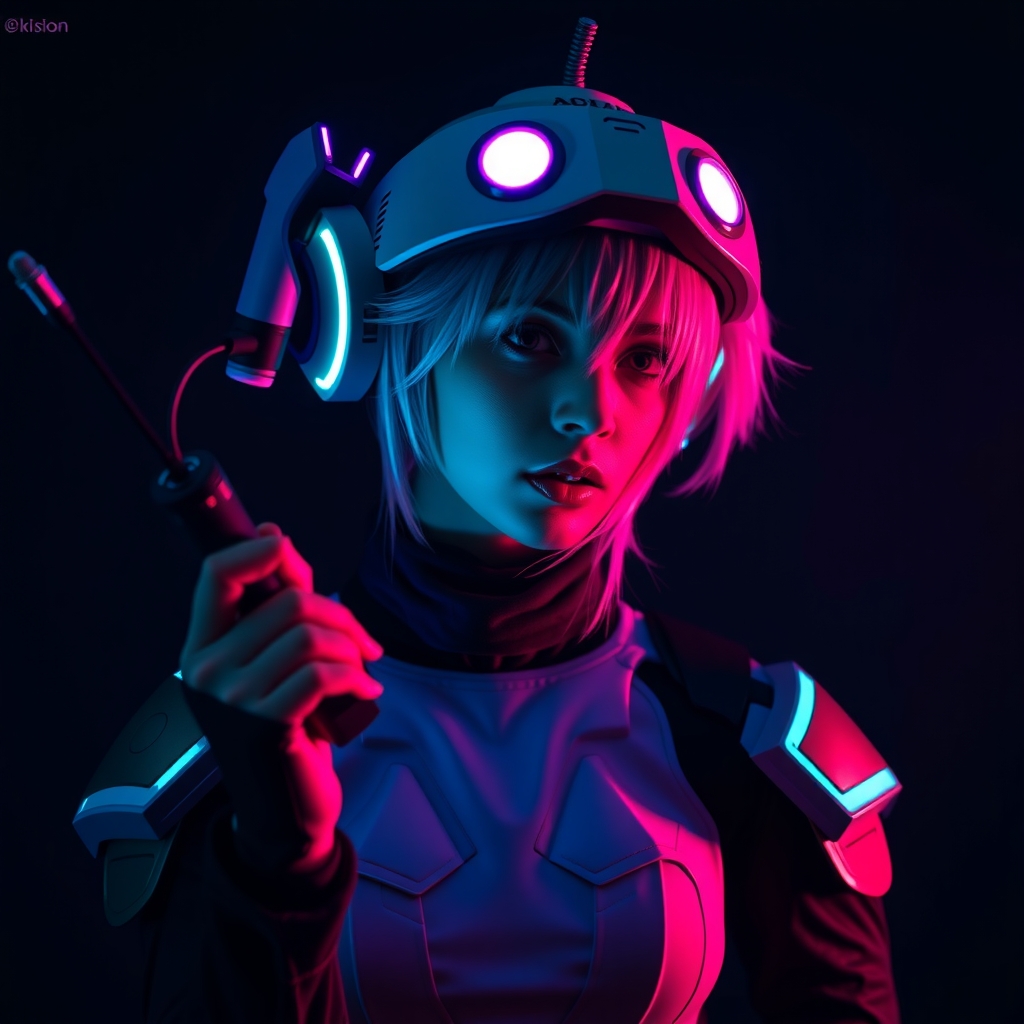
Introduction to Interactive Cosplay Props
As cosplayers continue to push the boundaries of creativity and innovation, interactive cosplay props have become an exciting way to bring video game characters to life. These props not only showcase a cosplayer's skill and craftsmanship but also provide an immersive experience for onlookers. In this guide, we'll explore the techniques and materials needed to create interactive cosplay props inspired by popular video games.
Designing Your Prop
Before starting your project, it's essential to research and plan your design. Study the character's appearance, movements, and interactions with their environment. Identify the key features that make the character unique and decide which aspects you want to focus on. Consider the materials and techniques required to achieve the desired look and functionality.
Sketch out your design and make a list of the necessary materials and tools. Think about the prop's size, weight, and ergonomics to ensure it's comfortable to handle and transport. You may also want to consider the electronics and mechanisms needed to bring your prop to life.
Materials and Tools
- Foam and foam casting: for creating lightweight, durable prop components
- 3D printing: for producing intricate details and complex shapes
- Electronics: for adding lights, sounds, and movement to your prop
- Mechanical components: for creating joints, hinges, and other movable parts
- Painting and finishing: for achieving a realistic, weathered look
Creating Interactive Elements
Interactive props often require a combination of electronics, mechanics, and craftsmanship. Here are some techniques to consider:
LED Lighting
LED lights can be used to create glowing effects, flashing lights, or even animated displays. Choose the right LED type and color temperature to match your character's design. Consider using a microcontroller or LED driver to control the lighting effects.
Sound Effects
Add sound effects to your prop using speakers, sound modules, or even Arduino-based systems. You can record and edit sounds to match your character's voice or create custom effects.
Mechanical Movement
Use servos, motors, or pneumatic systems to create moving parts, such as opening doors, spinning wheels, or flapping wings. Make sure to secure any moving components to prevent damage or injury.
Case Study: Creating a Lightsaber Prop
A lightsaber prop is a classic example of an interactive cosplay prop. To create one, you'll need:
- A hilt made from materials like foam, Worbla, or 3D printing
- An LED strip or a single LED for the blade
- A power source, such as batteries or a USB rechargeable battery pack
- Electronics to control the lighting effects, such as a microcontroller or an LED driver
Consider adding sound effects, like a humming sound or a clash effect, to enhance the experience.
Tips and Best Practices
When creating interactive cosplay props, keep the following tips in mind:
- Safety first: ensure your prop is secure, stable, and won't cause injury
- Practice and test: rehearse handling and operating your prop before taking it to a convention
- Maintenance and repair: plan for easy maintenance and repair in case something goes wrong
- Transportation and storage: consider the prop's size, weight, and fragility when transporting and storing it
Conclusion
Creating interactive cosplay props requires a combination of creativity, craftsmanship, and technical skills. By following these guidelines and experimenting with different materials and techniques, you can bring video game characters to life and take your cosplay to the next level. Remember to stay safe, have fun, and be prepared to share your creative process with fellow cosplayers and enthusiasts.